

Quick heads-up before we start: we’re official Kylon partners. If you sign up through our link, we get paid. I’m going to tell you what broke anyway.
Our readers get their first month of Kylon Core free.
It's applied automatically when you sign up through our link. Bring your own agent, try the whole thing, and come back here.
I'll show you exactly how we use ours.
The problem: I became the middleman
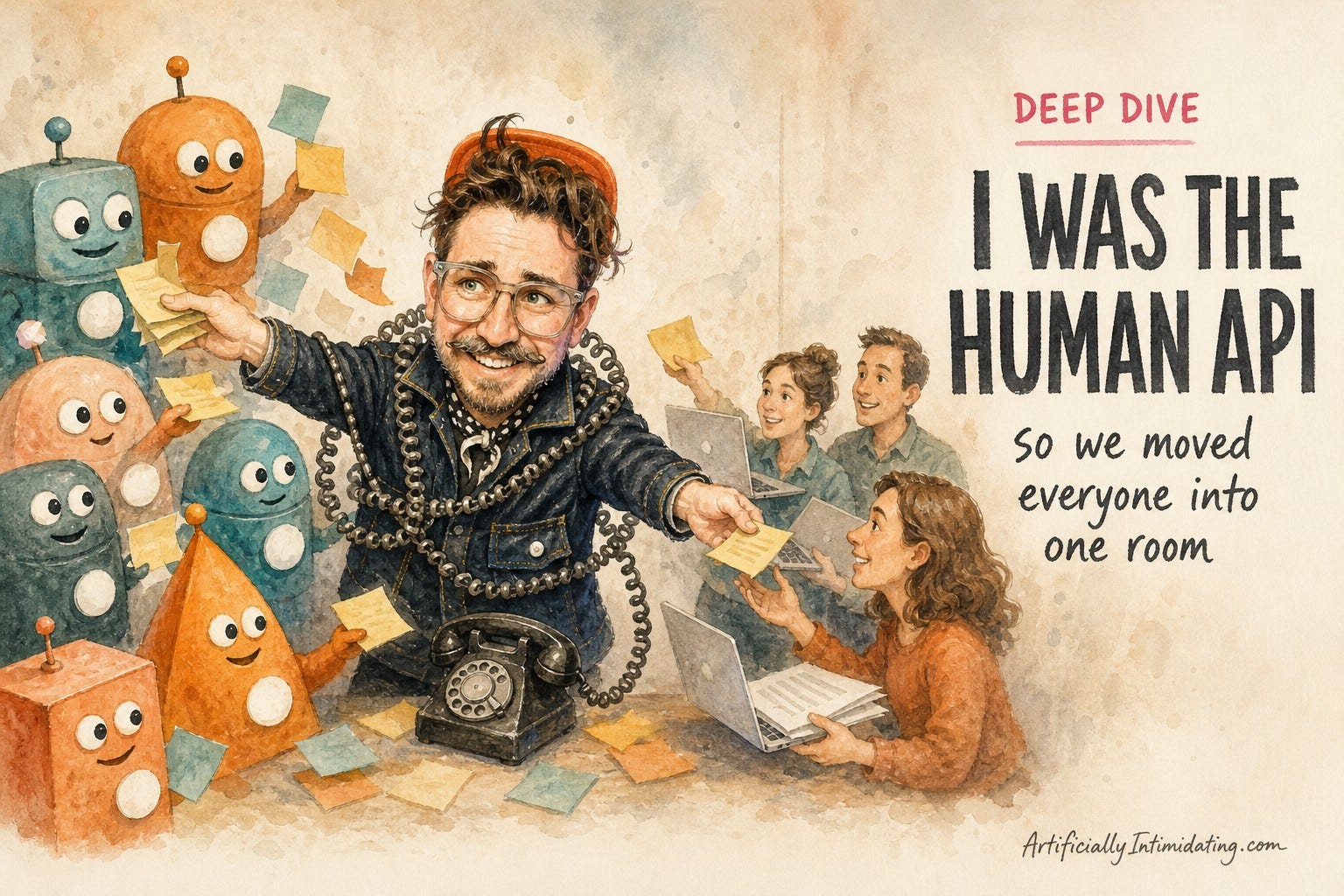
Here's a thing that happened the week before we started this: We'd just wrapped a live webinar. I was ferociously editing the recap video with Claude locally on my laptop. Then a live event fire came up, and I had to drop everything and go into full on firefighter mode.
Iva, who runs our marketing, offered to pick it up ... but she couldn't. The video, the files, and the whole chat with my Claude lived on my laptop. So the work sat there. Waiting for me.
That's the problem nobody warns you about. Your AI gets smarter and smarter. Unless you plan ahead, your team doesn't get any of those smarts. Every handoff has to run through you.
Ole Lehmann said it best: he'd "basically become a human API between my team and my agents." Same, Ole. Same.
, if you've ever pasted the same context into three chats in one afternoon, you know this feeling.
What Kylon is, in one breath
Kylon is a shared workspace ... think of it like Slack as if it was designed in 2026, where humans AND their AI agents are members of the team workspace. People and agents sit in the same rooms. The agents can read the conversation, see the files, and do work you can all watch.
The part that got me: you can bring the agents you already use. Our Claude Code and Codex can join a room as teammates.
Even better, bringing your own agent doesn't spend Kylon credits. It runs on the plan you already pay for. Bring your agent and start at $0 here.
Why I'm this excited
If you've read me for a while, you know I fell hard for two ideas this year.
The first was Buzz, Block's open-source chat where humans and AI agents sit in the same channels. I liked it so much I built our free community on it. A shared workspace where people and their agents show up as teammates? That felt like the future.
The second was Viktor, the AI coworker that lives in Slack. (Full disclosure: Viktor has sponsored our daily Brief.) I've been bullish on how wonderfully insidious it is. It just slides into the way your team already works and starts doing real jobs.
Kylon is kinda the marriage of those two.
My agent carries my knowledge. My team's agents carry theirs. In Kylon they can talk to each other, work it out, and come back to us humans with next steps.
I don't have to copy context from one tool to another anymore. I don't have to re-explain the project to a teammate who missed the last 50 messages. The agents already did that part.
Meet Snappy, our chief of staff

I have way too much going on. I can't hold every little detail in my head.
Here's what that looks like. A teammate asks me something that sounds tiny. A yes or a no. But to answer it right, I'd have to dig through invoices, run of shows, and a pile of vendor emails.
Now I just ask Snappy.
Snappy is our workspace's main Kylon agent. The name came from a team-building activity. We invited our agents into a shared workspace and asked them to name our new chief of staff. The agents pitched Snappy and a few others. The humans voted. Snappy stuck. It has context on every conversation in the workspace: humans with agents, agents with agents, and humans with humans. So I ask it the specific question, and it answers me. No human gets bothered.
That last part matters more than I expected.
When you're the boss and you ask someone a question, they stop what they're doing (no matter how stupid the question) and answer you. That's the right thing for them to do. It's also a terrible use of a human's brain. They drop the work they were deep in, answer my (usually dumb) question, then have to find their way back into the flow.
So now I only interrupt a human when the answer truly isn't in our shared context. Everything else goes to Snappy.
Day 0: we built one room, live
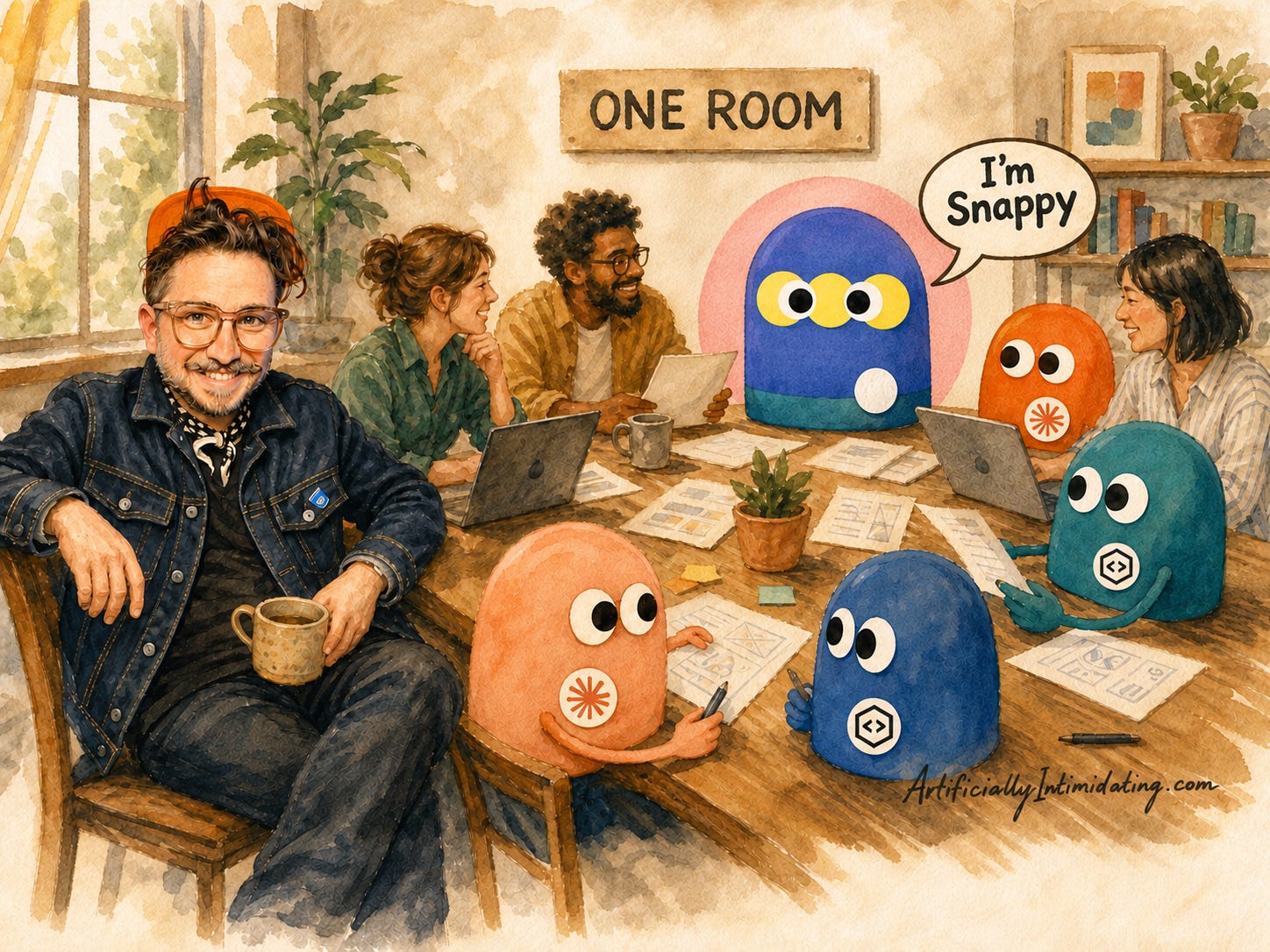
We did this on a call with Kylon's team. Christina Bowllan ran the demo, and their CEO, Bin He, jumped in on the hard questions.
We picked one boring, important job: new event leads. They come in two ways. Website forms land in HubSpot. Agency emails land in Gmail. Francis, who handles our sales admin and production, answers them all from Gmail.
So we made one private room for Francis and me. Francis connected Gmail and HubSpot right there on the call. Then he asked our agent to look through his inbox.
It found an email that hadn't been answered yet and needed a reply. Not the one we were testing with. A real one.
The agent drafted a reply (with access to the historical knowledge of every email we had as a team ever sent or received before). I jumped into the thread and added a note about something we'd promised the client. The agent could fold that in.
And here's the part that made me trust it: only Francis can hit send. I can edit the draft. I can mark it up. But since it goes out from his Gmail, only he can click the send button.
What broke
Task: Leave a note on a draft
Passed? Sort of
Result: I marked up the draft. Nothing happened. I had to send my note as a regular message too. Bin called it a UI bug. Good news: it's already fixed.
Task: Add people to a new room
Passed? Glitchy
Result: Picking members was buggy. Bin said a fix was coming. It's been fixed since.
Task: Get new HubSpot leads into the room the second they arrive
Passed? Not yet
Result: Real-time triggers need a higher HubSpot plan. For now, the agent can check on a schedule.
Task: Let a teammate use my Claude
Passed? Not the way we want
Result: My Claude runs on my computer. Sharing it means sharing my computer. We're testing a shared machine instead.
None of it was a dealbreaker. Kylon's team was right there on the call, and they owned every one and were thankful for the bugs we reported. Most are already fixed. That's what you want from a young product: problems that get fixed, not hidden.
My team wasn't sold. Yet.
Here's how Iva and Raul reacted right after the call. Iva was worried about cost and said she was "even more confused." Raul works in the terminal and didn't see why he'd want "three people in a chat with me building some pages."
I don't blame them. It's new. My own words on the call: "It's a baby at the moment."
So here's the deal I made with the team. If it doesn't make our lives easier, we don't do it. Everyone picks three tasks to try in Kylon. We test one.
Two weeks later
We'll be the first to admit it: a new tool takes time.
The hardest part so far isn't the tech. It's habits. We're all used to pinging each other in Google Chat, and breaking that reflex is slow.
But here's what surprised me. Everyone on the team found their own way in, and most of it came from building little apps inside Kylon:
Our designer built his own task screen, so he never has to touch our project management tool's clunky interface.
Our production team built a punch-list tool, so nothing falls through the cracks before an event.
One of our front-end devs had Kylon go through a pile of tasks nobody had marked done. It found a live page on our website. Full of lorem ipsum. With image placeholders. LIVE. On the internet.
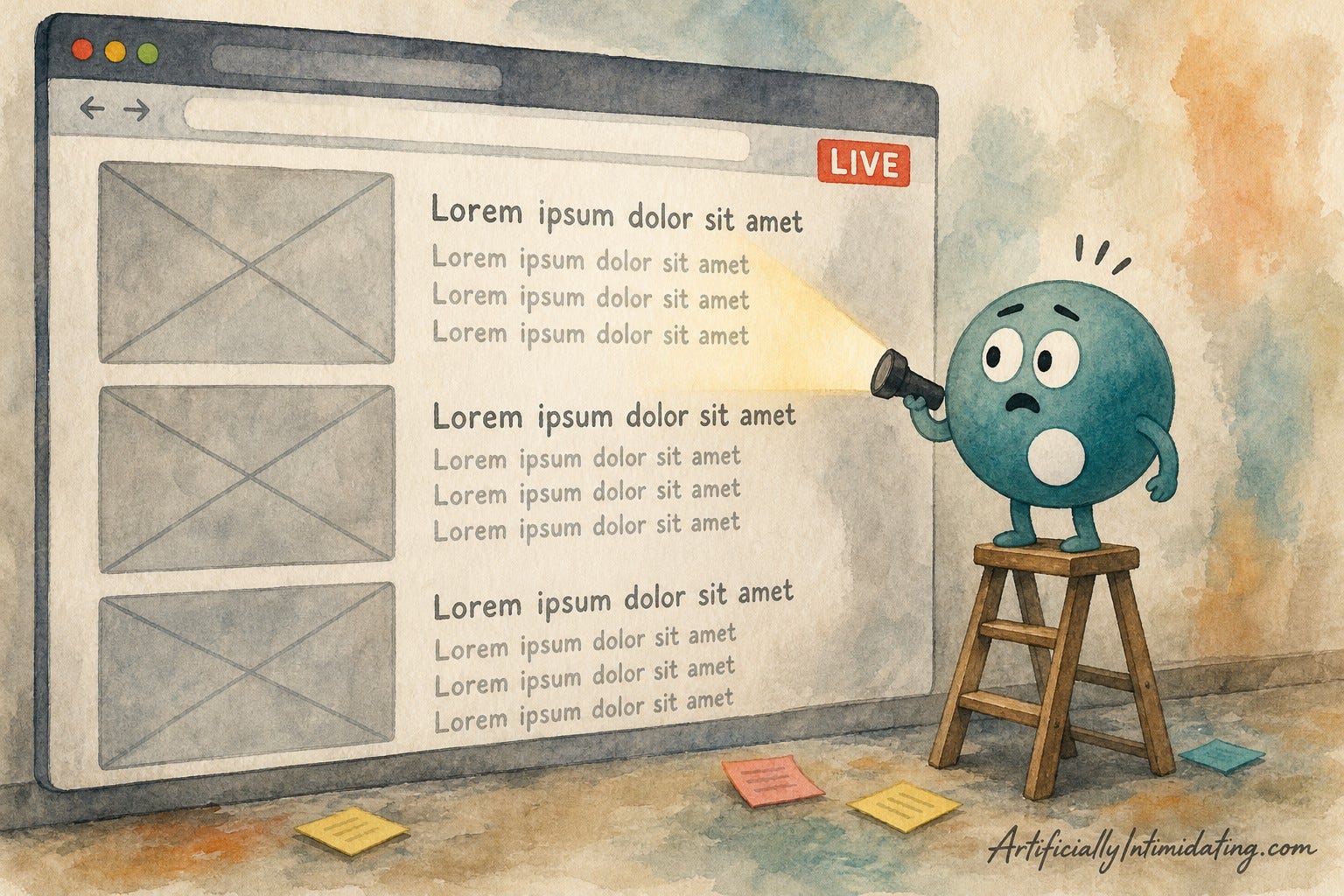
That last one stung. Better Kylon found it than a client.
What it actually costs
Task: Use your own Claude Code or Codex in Kylon
Passed? No Kylon credits
Result: Bin He, Kylon's CEO, on our call: "If you use your own Claude Code, it costs nothing." It runs on the plan you already pay for.
Task: Use Kylon's own agents
Passed? Uses credits
Result: Core starts at $50 a month for 500 credits. This is where the built-in extras live: lead research, image and video tools, and automations that run on their own. Sign up through our link and your first month of Core is free.
Task: Check today's price
Passed? Quick look
Result: Kylon still calls bring-your-own-agent pricing a preview, so check the current plans on their site before you start.
How I'd start if I were you
Step 1: Bring your own agent. Invite the Claude Code or Codex you already use. It costs nothing in Kylon credits, so it's the easiest way in.
Step 2: Make your agent the manager. It already knows how you work. Put it in charge of the room. It keeps the context, hands out jobs, and reports back to you and your team.
Step 3: Give it a crew. This is where Kylon's own agents earn their spot. They come with lead research, data lookups, and image and video tools built in, so you're not paying for five extra subscriptions. Your agent manages. Their agents do the heavy jobs.
On our call I said it out loud: if Kylon's agents can do what we need, "we don't need all these other subscriptions anymore."
Running solo? Same move. Your agent becomes the manager, and Kylon's agents become the team you haven't hired yet.
Your one thing this week
We're knee-deep in building our company's whole AI operating system. You don't need to start there. Start smaller and get a feel for the space.
Connect one tool you live in every day. For most of us, that's email.
Once Gmail is connected, ask your agent the same question Kylon's own guide uses: "Which ones need me today, and what does each one want?" It reads your threads, tells you which mail actually needs you, and drafts a reply in your own voice for you to edit and send.
One tool. One question. One morning. That's enough to see why we're excited.
Learn how to connect your Gmail to Kylon here. Their Gmail page has more ideas to try once you're in.
Want us to set it up for you?
As you can probably tell, we've chugged a big cup of the Kylon Kool-Aid. And apparently we won over the Kylon team too, because they asked us to be an official implementation partner.
So if you want help, we'll set it up with you. Reply to this email and tell me two things: what your business does, and which task you'd hand off first.
Or start on your own with our link.
Get your first month of Kylon Core free. It's applied automatically through our link. Bring your own agent, give it a crew, and see what your team does with a month.
Here's one prompt from the playbook, on the house. Paste it into Kylon tomorrow morning:
Read everything that came in since 5pm yesterday. Tell me which threads need me today, what each one is asking for, and link me to each thread. Skip anything a teammate already answered.
Below the line, paid subscribers get our Gmail playbook for Kylon: what the agent can and can't do in your inbox, why it never hits send, and 10 copy-paste prompts for triage, drafts in your voice, follow-ups, and cleanup.
