

The premise sounds like it belongs in a spy movie.
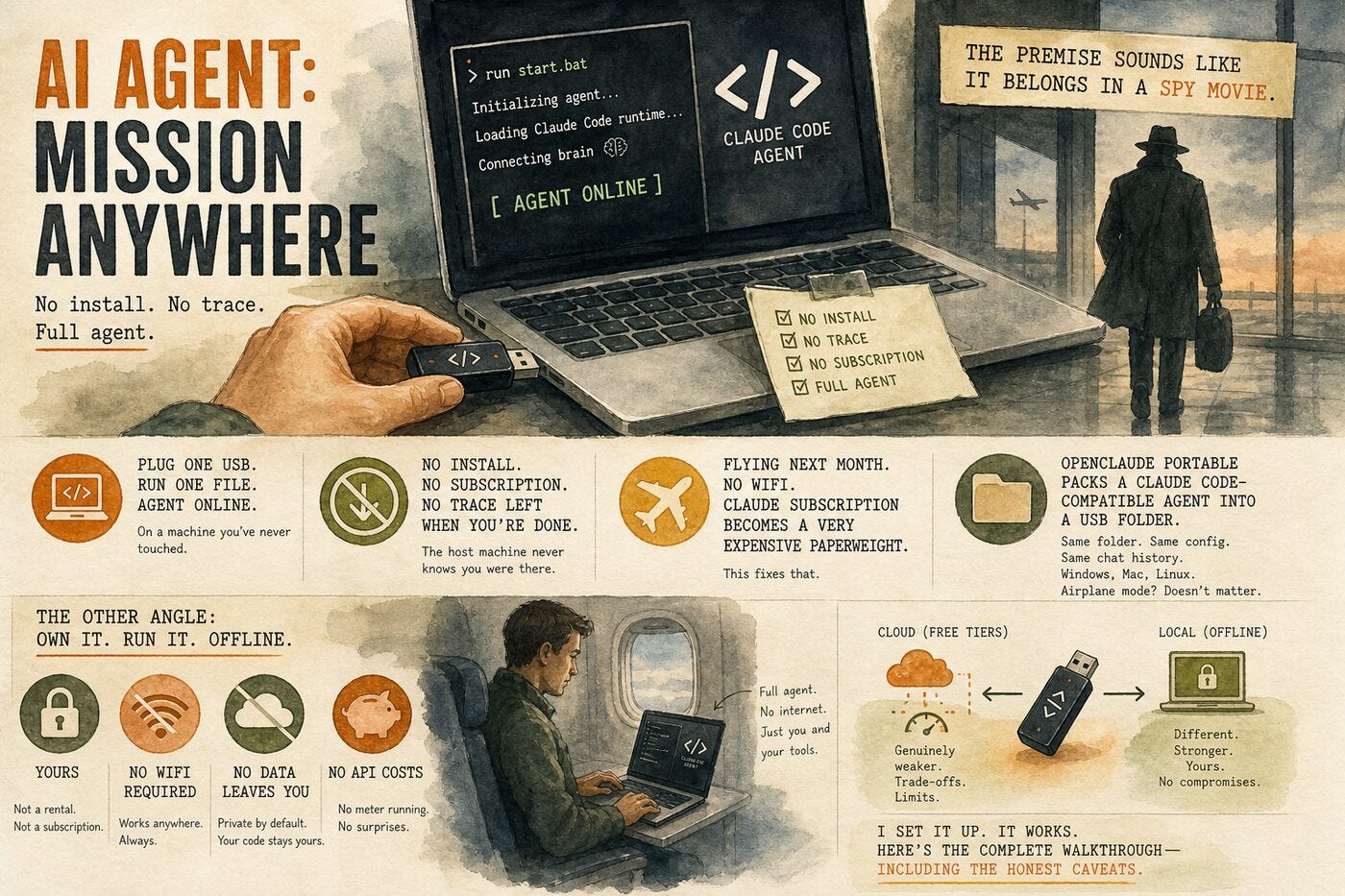
Plug a USB drive into a laptop. Run one file. Watch a full Claude Code-style AI coding agent spin up -- on a machine you've never touched, with no installation required, no subscription dialog, and no trace left when you're done.
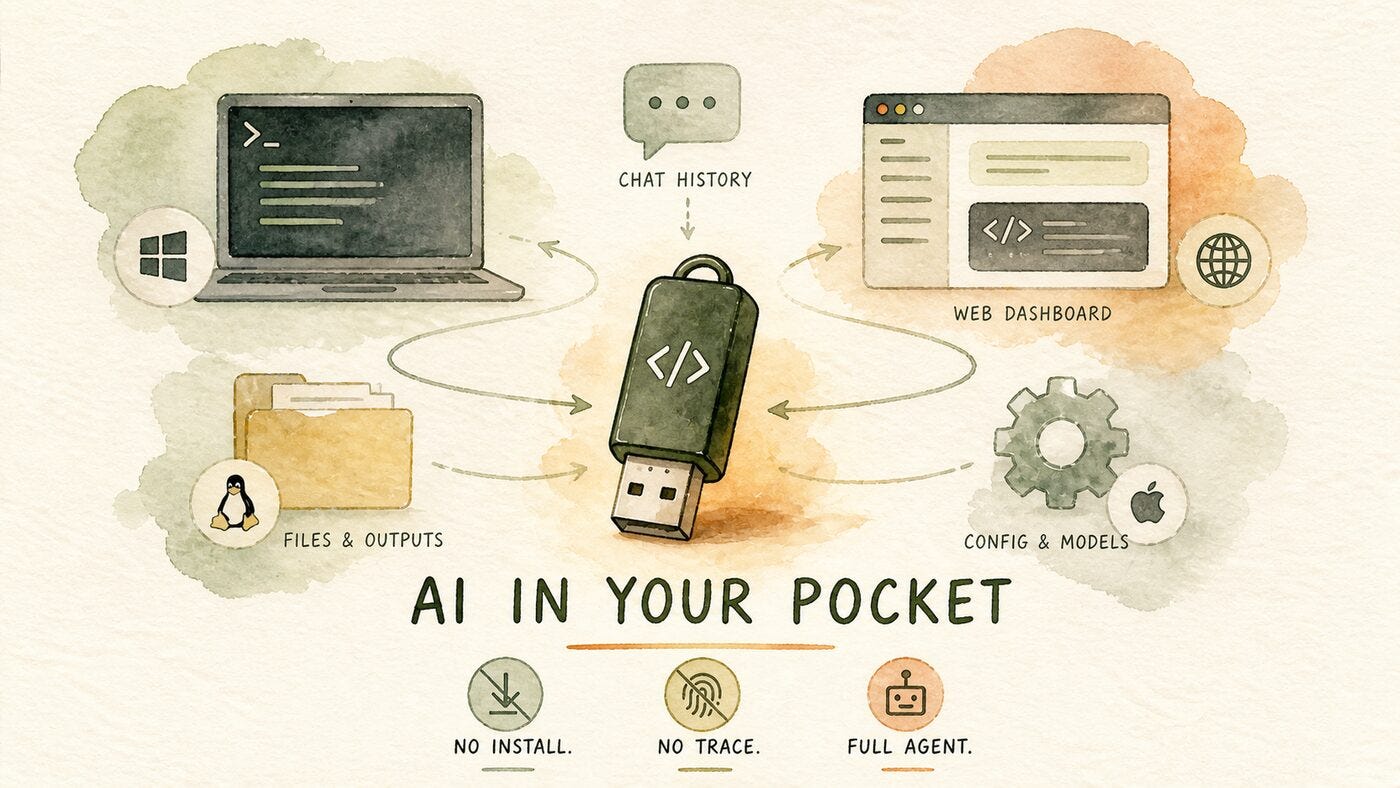
That's what OpenClaude Portable delivers. It's an open-source project that packages a Claude Code-compatible agent runtime into a self-contained folder you can put on any USB drive. The same folder boots on Windows, macOS, and Linux. Your chat history, config, and output files travel with the drive. The host machine never knows you were there.
I came across it this week and spent some time actually setting it up. Short version: it works. You can have a functional AI coding agent running from a thumb drive in under 15 minutes, for free, using NVIDIA NIM or OpenRouter as your model provider -- or completely offline using a local model like Gemma via Ollama.
Here's the complete walkthrough.
What You're Building
By the end of this guide, you'll have a full Claude Code-style agent running from a USB drive, with cross-platform support (same folder, same config, same chat history on Windows, Mac, and Linux), your choice of free cloud providers or an offline local model, and a web dashboard UI in addition to the terminal agent. No GPU required for the cloud setup. No system-level installs. Everything lives on the drive.
Step 1: What You'll Need
Before you start:
A USB drive (or external SSD/HDD) with at least a few GB free -- more if you want a local model
Internet access for initial setup and API key generation
A free API key from one of the providers below (covered in Step 3)
