

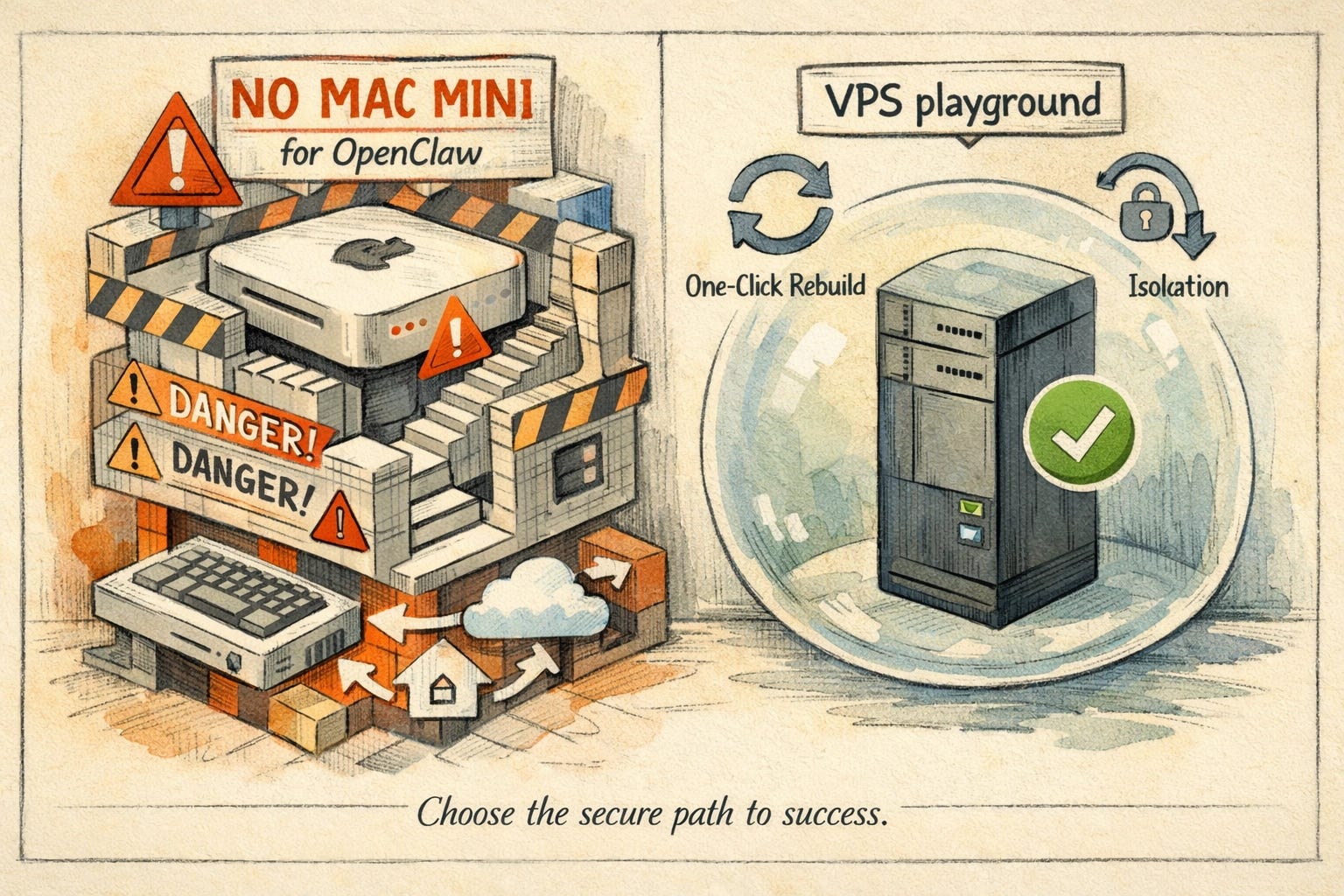
I’ve spent the last month drooling over the idea of a wall of shiny new Macs dedicated to OpenClaw, multiple Mac Minis, neatly labeled, humming away like my own private AI war room. In reality, I’ve reformatted, reinstalled, and blown away environments so many times while learning that I’d have bricked half that fleet by now.
Instead of stacking hardware, I’m running a handful of cheap VPS boxes as disposable playgrounds to test ideas, break things, and start fresh in minutes.
Running OpenClaw on a Mac Mini feels slick and “pro,” but it’s one of the riskiest, most expensive, and least flexible ways to do it, and a ~$6 VPS usually beats it on every dimension that actually matters.
Stop Buying Mac Minis For OpenClaw: Do This Instead
If you’re about to smash the “Buy Now” button on a Mac Mini just to run OpenClaw locally, pause for a second. There’s a better, cheaper, safer pattern, and it looks a lot more like spinning up a tiny VPS than wiring up a wall of Apple hardware.
I’ve been documenting my OpenClaw experiments and failures in more detail over on my newsletter:
👉

If you want to follow along with how I’m setting this up, this is the kind of VPS I’m actually using in practice:
👉 Hostinger KVM 1 VPS
And if you really do want a Mac Mini for other reasons, this is a solid baseline box:
👉 Apple M4 Mac Mini on Amazon
![[HERO] Stop Buying Mac Minis For OpenClaw: Do This Instead](https://substackcdn.com/image/fetch/$s_!SxQe!,f_auto,q_auto:good,fl_progressive:steep/https%3A%2F%2Fsubstack-post-media.s3.amazonaws.com%2Fpublic%2Fimages%2F0a607e52-2978-4d82-80f3-e117eaa1f778_1536x1024.webp "AI for small business: OpenClaw on a VPS vs Mac Mini (security + cost)")
What You’ll Learn In This Post
Why running OpenClaw on your main Mac (or a Mac Mini) is a security and sanity trap.
How a low‑end VPS is usually a better OpenClaw box than a $600+ Mac Mini.
The exact kind of VPS plan I use for OpenClaw-style agents.
How to sync files from your Mac to a VPS without giving an agent your entire digital life.
Where to go next if you want a Day‑0 onboarding playbook and a deeper breakdown of the OpenClaw loop.
1. The Permission Problem No One Wants To Think About
OpenClaw isn’t a cute little app running in a sandbox; it’s designed to be an operator on your machine. That means it wants to:
Read your emails and reply to them.
Browse your files, calendars, reminders, and messages.
Open a terminal, run commands, and install new software.
On a Mac tied to your real Apple ID, that means your entire digital life becomes both an attack surface and “unfiltered context.” The dream pitch, “It manages my email, calendar, and messages automatically”, is also the fastest way to silently blow up your privacy and your context window.
The “permission problem” in one frame: when OpenClaw lives on your personal Mac, it’s one bad prompt-injection away from turning your inbox, files, and logged-in sessions into an AI for small business security incident.
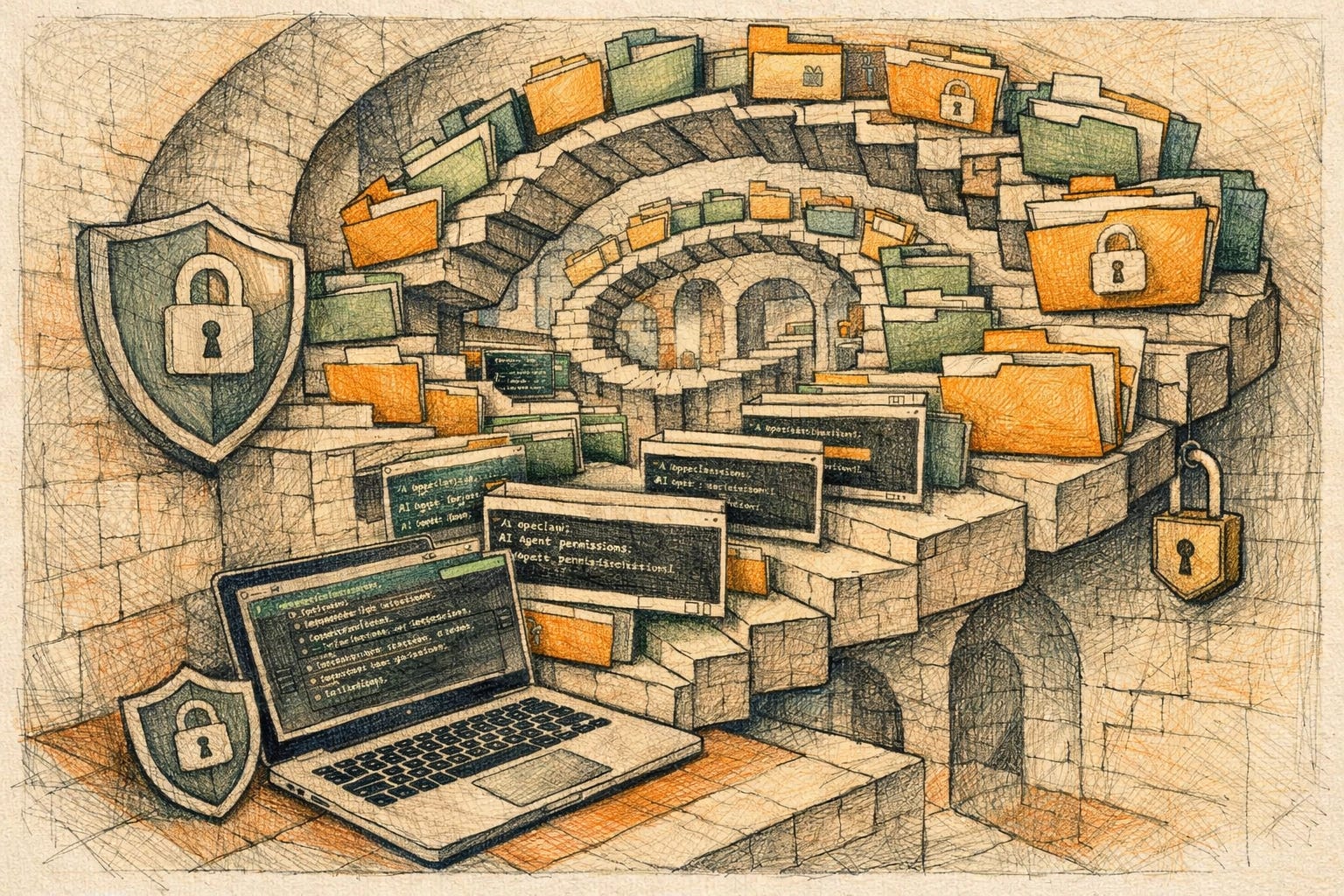
Once the agent is wired into your real machine:
Every “helpful” action adds more sensitive data to its working memory.
That memory gets pulled into future prompts.
One misaligned instruction chain can cascade through real accounts, real people, and real money.
If you’re just getting started with OpenClaw and want a sane way to onboard your agent without turning it into a security nightmare, start here:
👉 Mastering OpenClaw: The Day-0 Playbook
2. Security: Your Mac Is Worth Too Much To Sacrifice
When you run OpenClaw on a Mac Mini (or your daily‑driver Mac), all of this is at stake:
Apple ID–linked data: iCloud, Photos, Notes, and Keychain.
Local Network: Other machines and smart devices on your home WiFi.
Active Sessions: Browser sessions, tokens, and long‑lived auth for Slack, Stripe, or your bank.
If something goes wrong, a prompt injection from a sketchy site the agent browsed, a malicious script it decided to “fix,” or a clever chain of instructions, there’s no clean “nuke it from orbit” button that doesn’t also wipe your personal machine. Reinstalling macOS, setting up accounts again, and reconfiguring everything is a massive slog.
On a VPS, you treat the box like a disposable toothbrush:
Hit “reinstall OS,” and you’re back to a clean slate in minutes.
No personal photos, no private email, no home network, no Apple ID in scope.
If you want that disposable environment, something like this low-end plan is perfect:
👉 Hostinger VPS KVM 1
3. Cost: A $6 Server Beats A $600+ Mac Mini
There’s this ambient idea in the AI community that you “need” local hardware to run serious agents, and a Mac Mini is the default flex. Reality check:
A Mac Mini is a big, sunk, upfront hardware purchase ($599+).
You still pay for Anthropic/OpenAI API usage.
You have to keep it powered and connected 24/7.
Meanwhile, with a tiny VPS:
A low‑tier VPS with ~4 GB RAM is plenty for normal OpenClaw workloads.
The VPS isn’t running heavy local models (which are often dumber anyway); it just orchestrates calls to hosted frontier models.
You can run that box for 8+ years before approaching the cost of a single Mac Mini.
A cheap OpenClaw VPS doesn’t need to be “powerful”—it just needs to be stable and isolated while it orchestrates calls to Claude/GPT. That’s usually a better AI for small business trade than buying another Mac Mini.
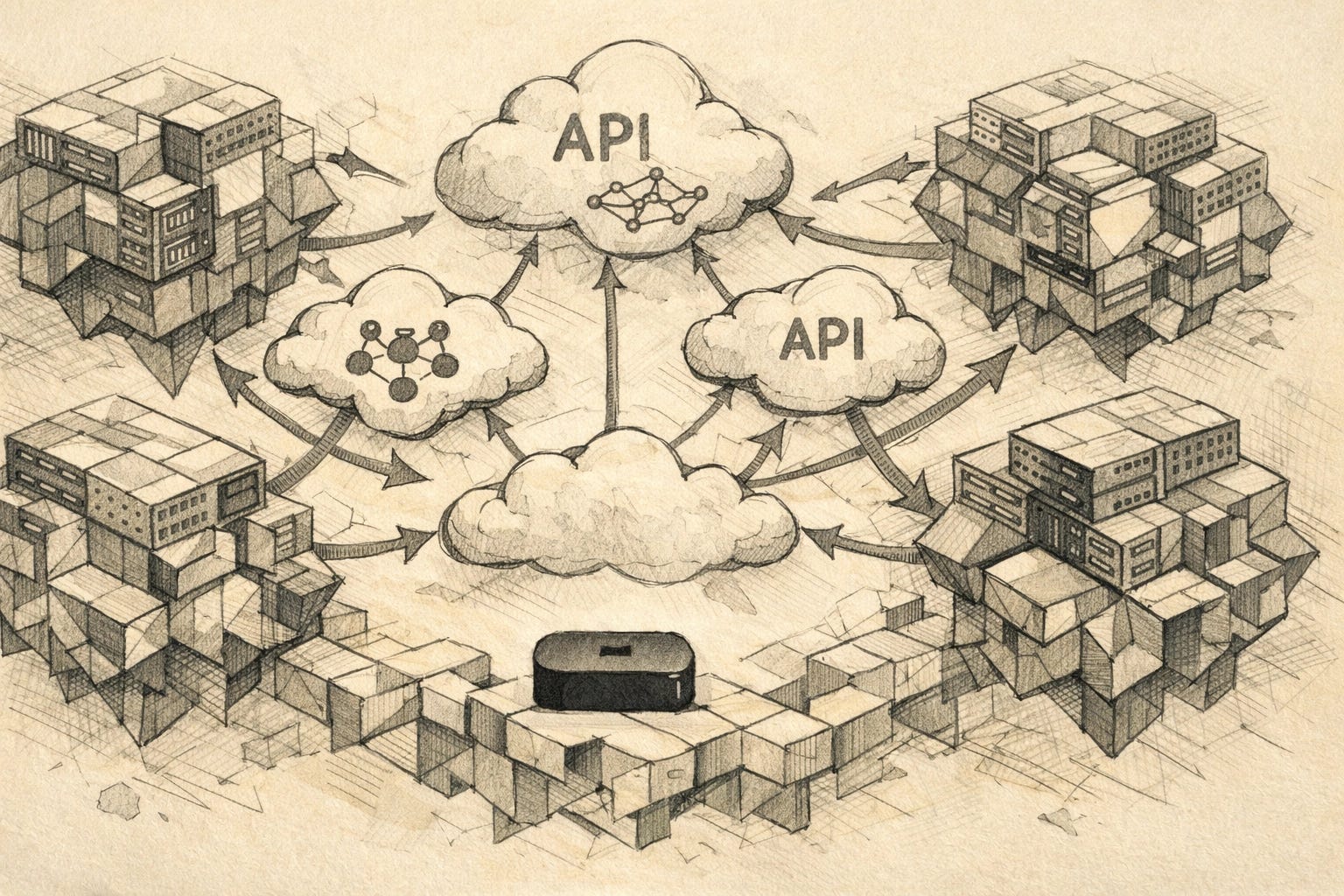
Today’s hosted frontier models (Claude 3.5 Sonnet, GPT-4o) are dramatically better than typical local weights in both quality and reliability. Using a Mac Mini as a weak inference server for mid‑tier local models is almost always worse than just paying for the “good stuff” via API and letting a cheap VPS coordinate the work. If you want to see how to wire these top-tier models correctly, check this out:
👉 How to Run OpenClaw on Frontier Models
4. Reliability: Always-On Beats “That Box In The Corner”
Agents only feel magical when they’re reliably on, reachable, and not constantly broken by the small frictions of home computing.
Running on a Mac at home means:
Power cuts, reboots, OS updates, or someone accidentally unplugging it can kill your agent mid-task.
Home network hiccups take your whole “AI brain” offline.
You’re suddenly in the business of monitoring a physical box.
Running on a VPS means:
Datacenter-grade power and network.
24/7 uptime without you babysitting anything.
Stable public endpoints accessible from your phone or laptop anywhere in the world.
5. Context Window Chaos: Stop Feeding It Your Whole Life
Another hidden trap of “agent on my Mac” is context pollution.
The dream: “It manages my emails, Slack, calendar, DMs, and more.”
The reality: You shred your context window and your API bill.
When your agent sits on your real Mac, it can crawl your email archives, ingest old calendar invites, and slurp in random message threads. You end up with long, expensive prompts, slower responses, and an agent constantly distracted by irrelevant history. Instead of a focused operator, you get a digital hoarder.
A VPS-based agent nudges you into better hygiene:
Start with one or two high‑value workflows (e.g., generating decks, running reports).
Only sync the files or streams that matter for those workflows.
Keep the agent’s working set lean so context stays relevant and cheap.
If the demos make OpenClaw look like sci‑fi, this breaks down what’s actually happening under the hood:
👉 OpenClaw Isn’t Magic: How it Works
6. Syncing Files Without Handing Over Your Soul
You don’t need your agent sitting on the same metal as your main laptop to work with your files.
A better pattern:
Run OpenClaw on a VPS with shell access.
Use a simple sync tool (like rsync or Mutagen), SFTP, or a shared folder between your Mac and the VPS.
Drop assets (docs, slides, exports) into that shared space and pull outputs back.
The pattern I trust: keep your Mac Mini (or laptop) as the control center, and only sync the specific folders your OpenClaw VPS needs—so your AI agent security posture stays clean and your “AI for small business” setup doesn’t inherit your entire digital life.
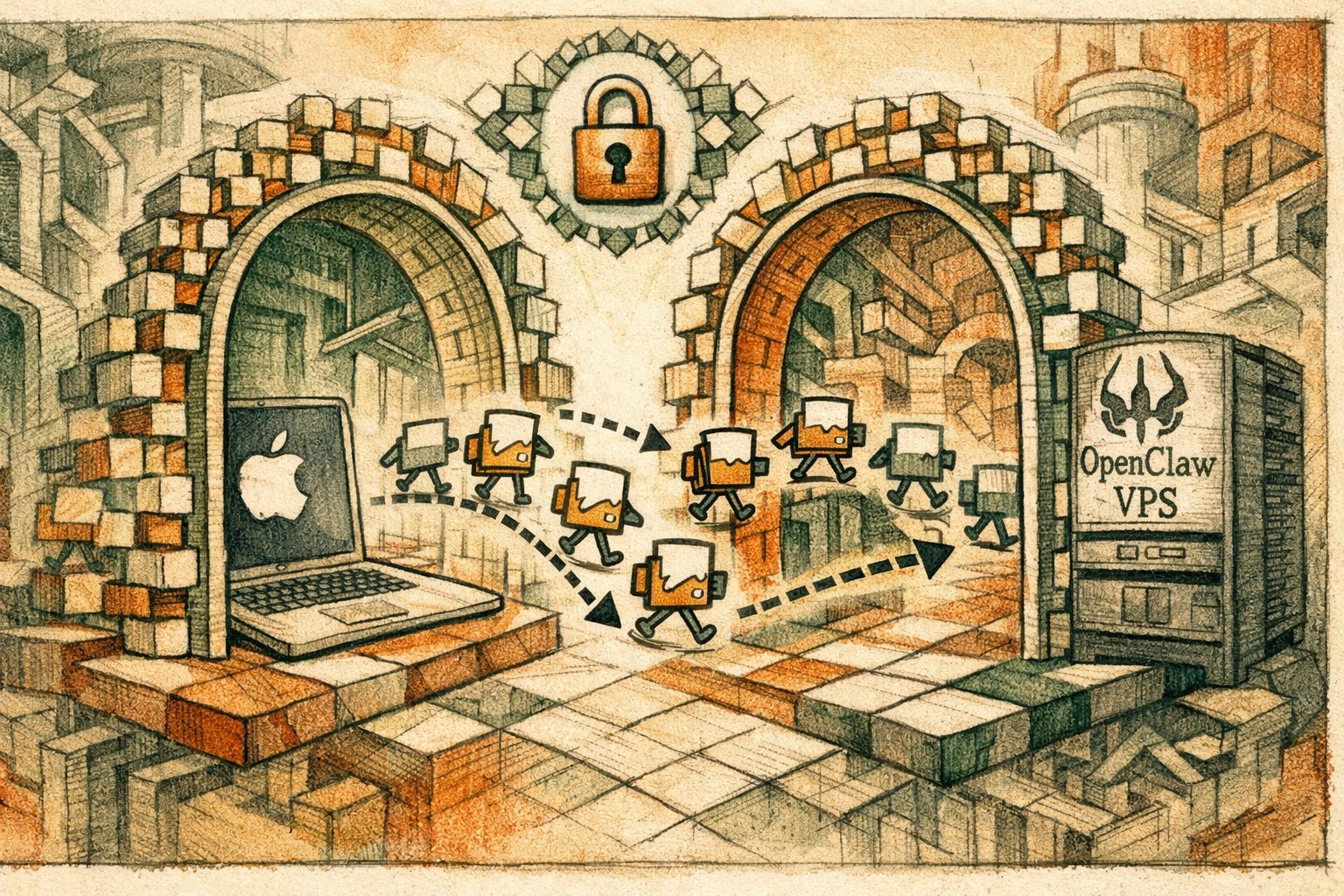
That gives you almost all of the convenience of “local” without giving an AI process direct hooks into your iCloud, AirDrop, or personal keychain. You control what crosses the boundary instead of letting the agent rummage through your entire digital house.
7. Hacker Exposure: You Want A Kill Switch
When you expose any agent-powered environment to the internet, you’re inviting attention, from both bots and humans. With OpenClaw, you’re letting agents browse the open web. They might hit random sites that return malicious payloads or jailbreak prompts.
If that environment is your Mac on your home network:
A compromised agent is now a compromised personal machine.
There is no one-click “reset everything” button.
On a VPS, if you even suspect compromise:
Hit “reinstall OS” in the provider dashboard.
Re‑deploy your agent.
Rotate keys and keep moving.
Mac Mini vs VPS For OpenClaw: The Breakdown
DimensionMac Mini / MacCheap VPS (e.g. Hostinger)Security ScopeTied to Apple ID, network, personal filesIsolated box with minimal personal dataReset AbilityFull macOS reinstall (Painful)One-click OS reinstall (Fast)CostHigh upfront ($600+) + PowerLow monthly (~$3-$5), predictableModel QualityOften limited to local Llama/MistralUses top-tier GPT-4/Claude via APIUptimeSubject to home WiFi/Power99.9% Datacenter UptimeBlast RadiusYour whole digital lifeJust the VPS and its API keys
If you still want the shiny local rig for video editing or dev work, that’s fine, just don’t make it your agent’s primary home. This is the box people usually look at:
👉 Apple 2024 Mac Mini Desktop Computer with M4 chip
Exactly What VPS I Use For OpenClaw
To keep this concrete, here’s the kind of setup I recommend for most people experimenting with OpenClaw-style agents:
Provider: Hostinger VPS.
Plan: KVM 1 (or KVM 2 if you want more headroom).
Why: It’s cheap, provides one‑click OS rebuilds, and has enough performance for orchestrating cloud LLM calls.
👉 Get the Hostinger VPS Plan here
Once your VPS is up, your next move is giving the agent a proper onboarding so it behaves like a senior operator, not a toy:
👉 Mastering OpenClaw: The Day-0 Playbook
FAQ: OpenClaw, VPS, and Mac Minis
Is a Mac Mini good for running OpenClaw?
Technically, yes: you can run it: but it’s rarely a good idea to plug powerful agents into a machine tied to your personal life. A cheap VPS gives you isolation and a kill switch.
What VPS specs do I need?
A 1–2 vCPU VPS with ~4 GB RAM is plenty because the “brain” is the API, not the box itself.
Do I need a GPU?
Not unless you are running massive models locally. For OpenClaw, you’re better off using Claude 3.5 Sonnet via API; the VPS just acts as the “hands.”
Update (March 28, 2026): NVIDIA Enters the OpenClaw Arena
Since this post was published, NVIDIA dropped a bombshell at GTC 2026: NemoClaw -- a security-hardened wrapper around OpenClaw that runs NVIDIA's Nemotron models locally with sandboxed execution. Jensen Huang said "every company needs an OpenClaw strategy."
This matters for everything I wrote above about VPS deployments. NemoClaw's OpenShell runtime adds the security layer that vanilla OpenClaw is missing -- sandboxed execution, role-based access control, and built-in auditing. If you're running OpenClaw on a VPS with real credentials connected, this is the upgrade path you've been waiting for.
I wrote a full breakdown here: NVIDIA Just Built a Cage Around OpenClaw. Here's What NemoClaw Actually Changes.
And if you're now questioning whether you even need to self-host at all, read Your Mac Just Became a $20/Month AI Employee -- Anthropic's new Computer Use feature might be the managed alternative that makes all of this moot.
Want More Real-World OpenClaw Setups?
If this changed how you’re thinking about running agents, you’ll probably like the rest of my work. I write a weekly behind‑the‑scenes breakdown of how I’m actually using OpenClaw, AI video, and agents in real businesses; what works, what breaks, and what’s worth cloning.
👉 Read and subscribe here:
Disclosure: Some links in this post are affiliate links, which means if you sign up for a VPS or buy a Mac Mini through them, I may earn a small commission at no extra cost to you. As an Amazon Associate, I earn from qualifying purchases.