

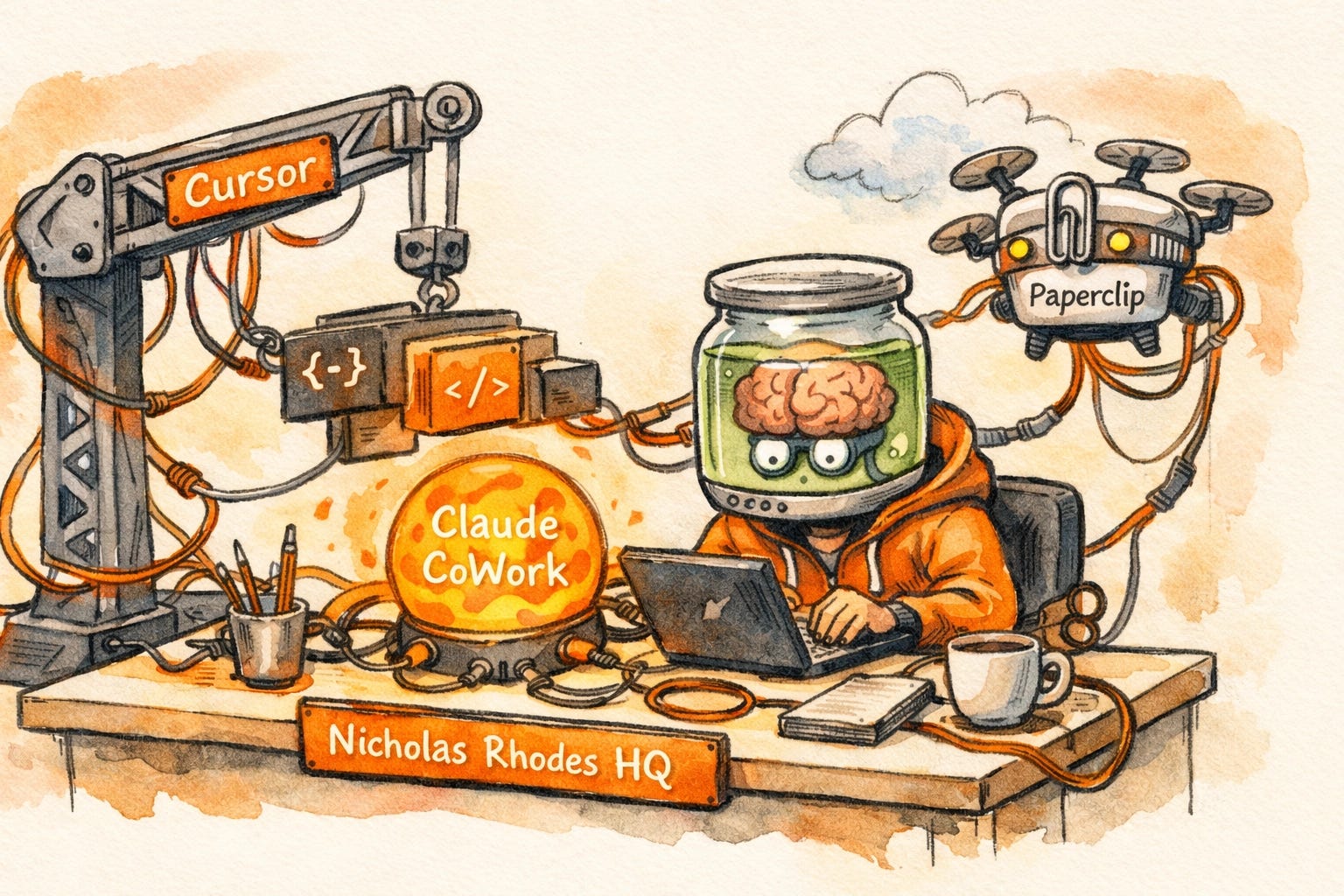
I run three AI tools in my daily stack. It’s a precise, if slightly clunky, trio that keeps the lights on at Nicholas Rhodes HQ.
Cursor on my desktop for app development and heavy-lifting code.
Claude CoWork for everything else on my computer: my “business OS” layer.
Paperclip in the cloud for async agent work that needs to run while I’m actually living my life.
+Plus the usual suspects for research and quick questions.
This is the standard “Solopreneur Frankenstack” of 2026. Most of the builders I know run some version of this: a patchwork of frontier models, each owning a specific slice of the workflow, and none of them talking to each other particularly well.
But on April 2nd, Cursor 3 dropped. And after digging into the demos and the announcement, I’m starting to suspect my three-tool setup is about to become a one-tool empire. The reason I’m writing this isn’t just about the new buttons, it’s about a fundamental shift in how we’re being told to work with AI.
If you’ve been feeling like you’re constantly tab-switching between five different “AI assistants,” now is absolutely the time to pay attention.
The “Third Era” of Development
Cursor’s CEO Michael Truell published a post in February laying out what he calls the Third Era of Software. To understand why Cursor 3 is a repositioning and not just a patch, you have to see the timeline:
Era 1: AI completes individual lines of code as you type (the “Ghostwriter” phase).
Era 2: AI handles multi-file edits when you ask (the “Composer” phase).
Era 3: Fleets of agents run autonomously in the cloud, return reviewable artifacts, and you review them like a manager reviewing pull requests.
In Era 3, you aren’t a developer writing lines. You are a Director of Engineering managing a digital workforce.

The data backs this up. Cursor published internal stats this week that are, frankly, mind-blowing. As recently as March 2025, 2.5x as many of their users were using “Tab completion” compared to Agents. Today? That ratio has completely inverted. Twice as many users are running autonomous agents as are using Tab.
Even more startling: 35% of the pull requests that Cursor’s own engineering team merges are now written by autonomous cloud agents. When the people building the tool are already outsourcing a third of their work to it, the Third Era isn’t a roadmap — it’s the current reality.
Why the Interface Shift Is the Real Story
For the longest time, Cursor felt like a “dev tool.” It was a fork of VS Code. It lived in the terminal. It smelled like syntax and late nights. If you weren’t comfortable with AI agents 101, it felt intimidating.
Cursor 3 changes that by introducing the Agents Window.
This is a new, web-first interface built from scratch. Cloud-native. It allows you to run multiple agents in parallel across different codebases. You can point an agent at a UI element in your browser and say, “Fix that button,” and then close your laptop.
The agent doesn’t stop because your screen went dark. It executes in the cloud and pings you when it’s done.
This moves Cursor out of the “Code Editor” category and into the “Workflow Automation” category. It’s now competing directly with tools like Claude CoWork and Paperclip.
A Side of Chaos: The Anthropic Leak
It’s worth noting that Cursor 3 launched during a week of absolute AI industry whiplash. Anthropic accidentally published nearly half a million lines of their own source code to a public npm registry — their second security incident in a week.
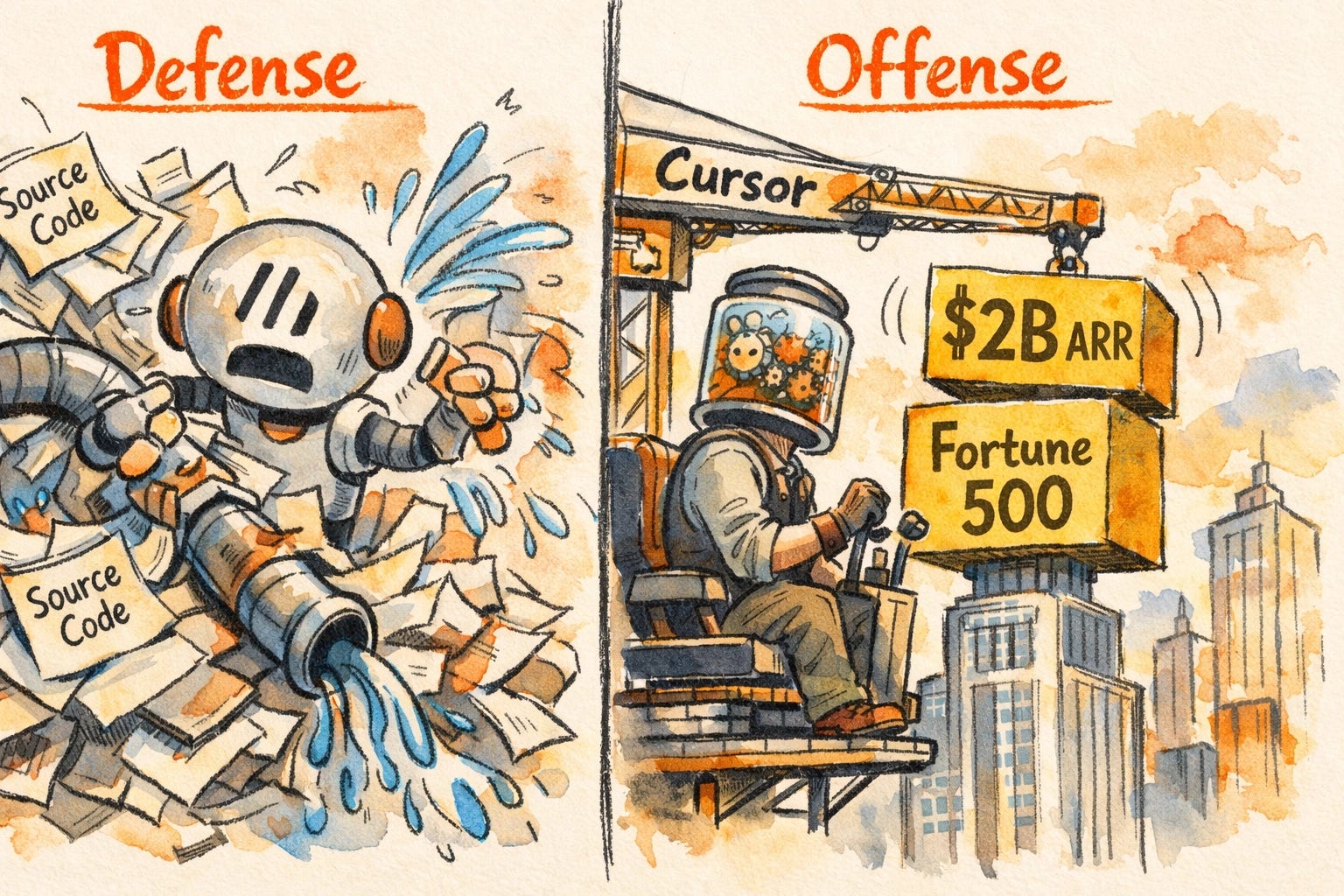
It’s a classic security vs. opportunity moment. While the “safety-first” labs are dealing with internal leaks, the builder-first companies like Anysphere (the team behind Cursor) are crossing $2B in ARR and used by 67% of the Fortune 500. One company is playing defense; the other is building the offense.
My Testing Plan: Is Consolidation Possible?
I’m currently putting Cursor 3 through a Stack Stress Test. I want to see if I can ditch my third-party cloud agent layers and run everything through the Cursor Agents Window.
The Maker in me is skeptical but hopeful. I’ve been a big proponent of owning your AI infrastructure, and if Cursor 3 lets me centralize my digital ghosts into one command center, the efficiency gain would be massive.
Here’s what I’m watching over the next 7 days:
The Context Window: Can it handle the Goldfish Memory problem better than the old version?
Non-Coding Tasks: If I give the Agents Window a research task that has zero to do with code, does it hallucinate, or does it thrive?
The Cloud Hand-off: Does the persistence actually work, or do I come back to a “Connection Timed Out” error?
1. Does Cursor 3’s cloud agent layer handle non-coding tasks?
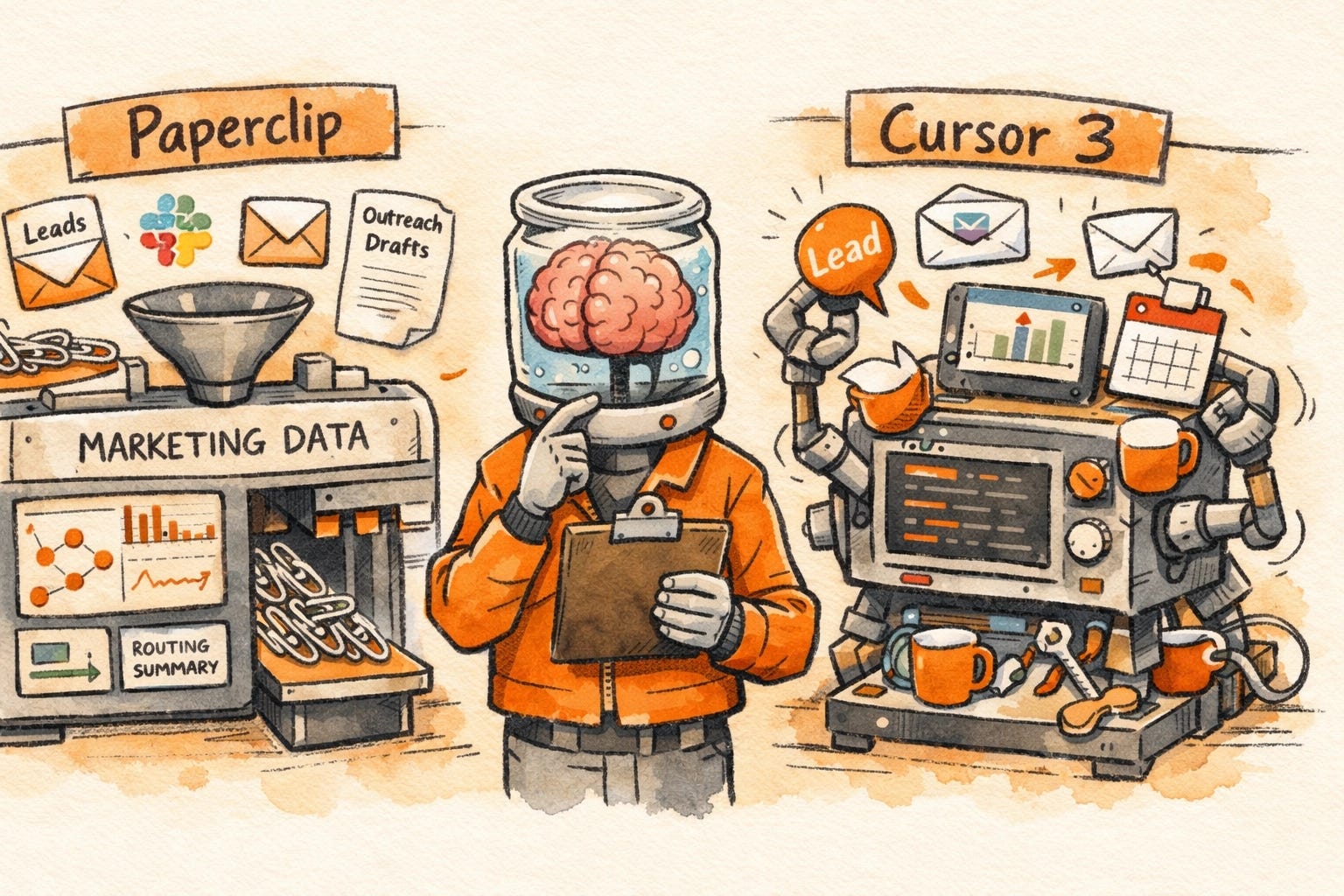
Paperclip’s job for me isn’t code — it’s marketing operations for my SaaS Experiential Marketing Event Photo & Video platform, Pictor.pro. We have cloud agents doing lead research, enriching contact data when someone comes in, monitoring competitive signals, drafting outreach, and routing summaries back to the team. None of us are sitting at a computer when any of this runs. It just goes.
Cursor 3 promises always-on agents triggered by Slack messages, webhooks, and schedules. But Cursor is built around codebases. Whether its agents treat non-coding workflows as a first-class citizen — or whether marketing ops is a bolt-on to a tool that really wants to write code — is what I need to know. If it can handle that layer, Cursor 3 consolidates two tools into one. If it can’t, Paperclip keeps the job.
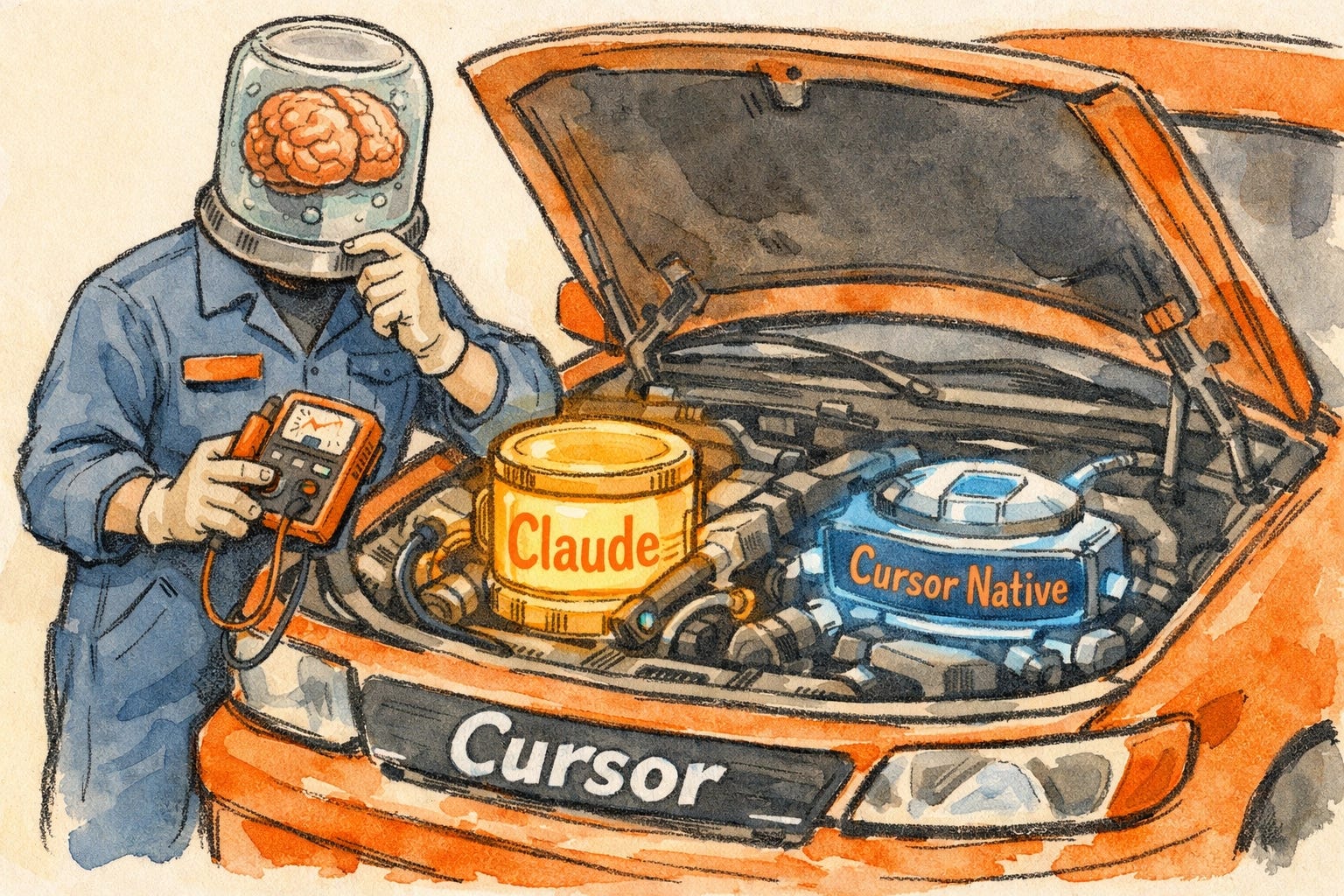
2. Is the model worth switching to, or do I keep Claude under the hood?
I currently run Claude’s models inside Cursor. Cursor 3 ships with an updated model optimized for the fast-iteration loop of agentic development. I’ll test whether it’s meaningfully better for app work, or whether Claude remains the better choice for what I’m doing.
I’ll be sharing what I find as I dig in. If you’re on the same journey — figuring out which tools to keep, which to consolidate, and where agents actually earn their place — stick around. That’s what this newsletter is for.
The Lab Report: What the Research Says (And What the Hype Omits)
If you’re a paid subscriber, you know I don’t just look at the marketing fluff. I look at the white papers. There are two specific studies you need to know about before you decide to go all-in on Cursor 3.
