

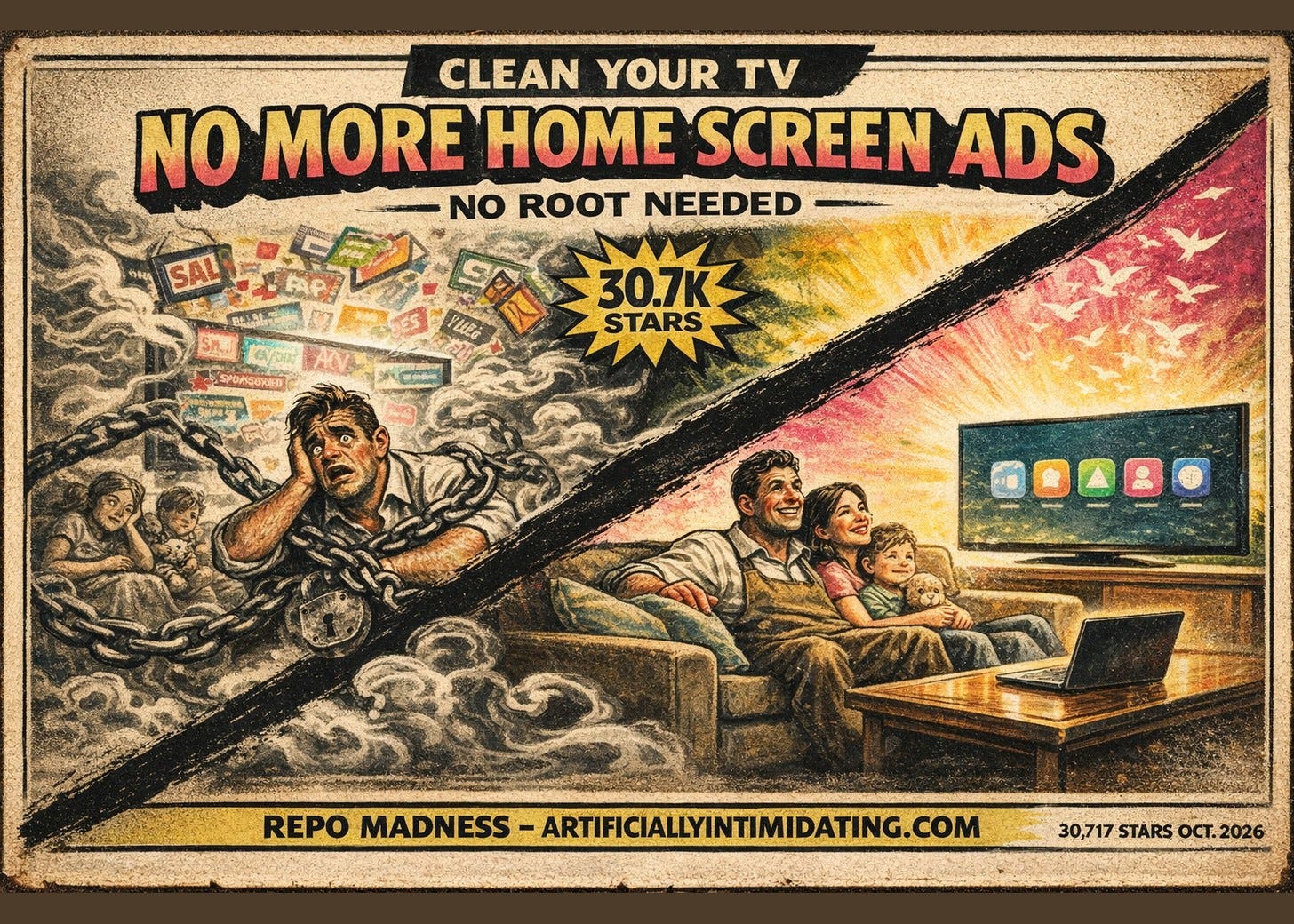
CleanYourTV — a free toolkit that has an AI coding agent switch off the ads, tracking and preloaded apps on an Android TV or Google TV over Wi-Fi, then sets a small Apple TV-style home screen.
Alternative to: a default, not a product. The stock Android TV and Google TV home screens. Google's Android TV help page says the Home tab's suggestions, some "sponsored by media partners," "can't be turned off"; its Google TV page says even Apps only mode still shows "sponsored content and teasers." For context only, the hardware way out: Apple TV 4K from $299, Google TV Streamer $149.99.
Cost to run: free. You supply a computer on the same Wi-Fi, plus your own coding agent (Claude Code, Codex or Gemini CLI) if you use that path. A by-hand path needs only Python 3 on the computer.
Licence: MIT (the bundled Outfit font is SIL OFL 1.1). Free for commercial use.
Runs on: Android TV and Google TV, Android 8.0 or newer for the launcher; the cleanup lists include some older sets too. Fire TV gets the cleanup only. Samsung Tizen and LG webOS are not supported.
Requires: Developer options and debugging switched on at the TV. Network ADB, which the project's FAQ warns is plaintext on port 5555, so close it when you are done. No prebuilt app: the launcher is built from source (JDK 17, Android SDK 34). The install script grants the launcher location permission, which it uses to read the Wi-Fi network name.
Traction: 30,717 stars · 3,540 forks · 2,227 commits · 37 open issues on the tracker page, closed count unknown · issue numbers past #1441
Liveness: very live — 2,227 commits and seven releases since October 17; last commit October 24, 2026. Too young to say anything about long-term upkeep.
Maturity: v2.7.0, October 23, 2026. The project's own warning: "at your own risk, and changing a TV's software may affect its warranty or support."
Links: repo · site · Hacker News, TechCrunch link, 38 points
Figures as of October 24, 2026.
What it does
Most Android TV and Google TV sets ship with a home screen full of suggested shows, sponsored rows and apps you never asked for. CleanYourTV turns that off without rooting the TV.
You switch on debugging at the TV. A computer on the same Wi-Fi connects to it. Then a coding agent, or you by hand, works through a list of packages for your exact model and disables them one at a time. Before it changes anything it saves a record of what was on. Last, it installs a home screen of its own: about 497 KB, plain Java, with no internet permission. The README adds "no background services"; the remote-key helpers are opt-in.
Nothing is deleted. The project uses pm disable-user --user 0, which it describes as the same switch as Settings > Apps > Disable. One script, tools/restore.sh, replays the saved record and puts the TV back the way it was, leaving anything you had disabled yourself still off. A few firmware-specific lists that hide packages instead need their own undo steps. The new home screen stays until you remove it yourself.
The repo is seven days old. It started on October 17 as a before-and-after post of the maintainer's parents' TV. Readers sent in their own TV models, and the list grew from there. The examples/ folder holds 260 model files today.
What it replaces, and what that costs
There is no product here to cancel. CleanYourTV stands opposite a default.
Google says so in writing. Its Android TV help page says the Home tab's suggestions are based on trending content or sponsored by media partners and can't be turned off. Google TV's "Apps only mode" strips personal recommendations, but its own help page says you will still see sponsored content and teasers.
So what does a reader do today? Live with the ads, or buy a box and stop using the TV's own software. The two obvious boxes, at their makers' own prices:
Apple TV 4K — from $299.00
Google TV Streamer (4K) — $149.99
Neither is a like-for-like comparison. A streaming box is a whole new device, and the Google one runs Google TV, sponsored rows included. They are here to show what "fixing the TV" usually costs, not as a bill CleanYourTV stops. That is why the Quick Facts row says alternative to a default rather than replaces anything.
Paid launcher apps exist on the Play Store. Projectivy Launcher is free with in-app items listed at $0.99 to $7.49 each. Its exact premium price did not render, so no number is claimed here.
Is it still alive?
Very, for now. 2,227 commits since October 17, peaking at 544 on October 22 (India time, the maintainer's) and 324 the day after. Seven tagged releases, v2.1.0 through v2.7.0, all between October 19 and October 23. The last commit landed today.
The commit graph needs one footnote. The maintainer, Gathin, authored 1,049 of the 2,227 commits, but 852 of those are merges. Count only non-merge commits and his share is 14.6%. Most of the people committing touched the TV model lists, and he is merging their work. 442 different email addresses have committed.
The releases carry no files. That is deliberate: the README says there are no prebuilt binaries. GitHub's automatic source archive could not be fetched from the research sandbox, so no download was verified.
Trendshift has it at #1 on the all-languages daily list, first reached October 21, and #1 among Java repos four days running. The README badge says "#1 trending repo of the week." Trendshift's weekly Java list shows #3, and no all-languages weekly #1 was found. The badge claim is unverified.
What people say
There was no big Hacker News thread about the repo. The largest story was a TechCrunch link, 38 points and 2 comments. Posts of the repo itself drew 6 points or fewer.
The comments that exist split three ways.
One reader quoted the viral post and shrugged that a streaming box already does this: "It looks rather like the version of Android TV on my 2018 vintage Xiaomi Mi Box S." (kazinator)
One wanted it out of the terminal: "Could this repo be modularized per manufacturer/model and turned into a mobile app perhaps? Download, detect TV(s) on network, debloat." (toomuchtodo) A community-built phone app now exists, linked from the project site. It is not part of this repo.
One recommended it in a bigger thread about a different ad-free TV write-up: "Better to use the one debloater that is popular, than the one made by only one person." (machomaster)
The sharpest dissent is on the issue tracker, not HN. Issue #884, filed October 22: a Xiaomi Mi TV Stick stuck on its boot screen after the owner's agent, working without a ready-made list, disabled core Android packages. It was closed "not planned" the next day. The maintainer pointed the owner to Xiaomi service, and the tools now block core system packages, citing that issue.
Reddit is blocked from the research sandbox, so no vote counts from it are claimed. The repo's docs/PRESS.md lists 196 articles. That count matches the file's own rows; the articles were not opened.
The catch
It can break a TV. The FAQ names the risk itself: disabling something the TV leans on. #884 is one real case. A discussion thread reports a JVC set stuck on its boot animation. The project's rules for agents now forbid disabling Android's core packages, and forbid even opening factory or test apps, because on some boards that flips a factory-mode flag "the shell cannot undo."
Network ADB is an open door while it is on. The FAQ says it is plaintext on port 5555, and on some firmware any device on your network gets a shell. Turn it off when you finish. One open issue reports a projector where it cannot be switched off at all.
Updates undo it. A firmware update puts the disabled packages back and returns Home to the stock launcher. tools/check.py --fix re-applies the list, but you have to run it.
It barely touches ads inside apps. The FAQ says you can partly block them with an ad-blocking Private DNS resolver, which then sees every DNS query the TV makes, and that it does not remove YouTube ads at all.
You need a computer and, on the easy path, a coding agent. Whatever that agent costs you is not in this entry. The by-hand path needs only Python 3 and more of your time.
The README nudges toward the maintainer's employer. His GitHub bio lists him as Sr. DevRel Lead at 0G Foundation, and the README's agent list names Claude Code "on 0G Private Computer" ahead of an Anthropic plan, with a link to 0G's product. Any Anthropic plan, Codex or Gemini CLI works too.
Seven days is not a track record. The commit rate is a viral spike. Whether anyone is merging TV models in March is the real liveness test.
My read
This is the AI use case I'd point people to.
A guy fixed his parents' TV with a coding agent and posted the before and after. Within a week, 442 different email addresses had committed to the repo, most of them adding TV models.
The agent turned one person's fix into a list everybody else can use.
Read the catch before you point it at your own TV. A TV stuck on its boot screen is a real cost. But the idea is right.
Credits
Built by Gathin (@gathint, GitHub Gathin23). Most active contributors in the first week: xbsheng (82 commits), maxhayim (35), hanzg-han (31), Cristian Rojas (24). Quoted: Hacker News users kazinator, toomuchtodo and machomaster. Data: the repo's git history, README, AGENTS.md and LICENSE; ungh.cc; Trendshift; Google's Android TV and Google TV help pages; apple.com and store.google.com for prices; the Google Play listing for Projectivy Launcher; the GitHub issue tracker.