

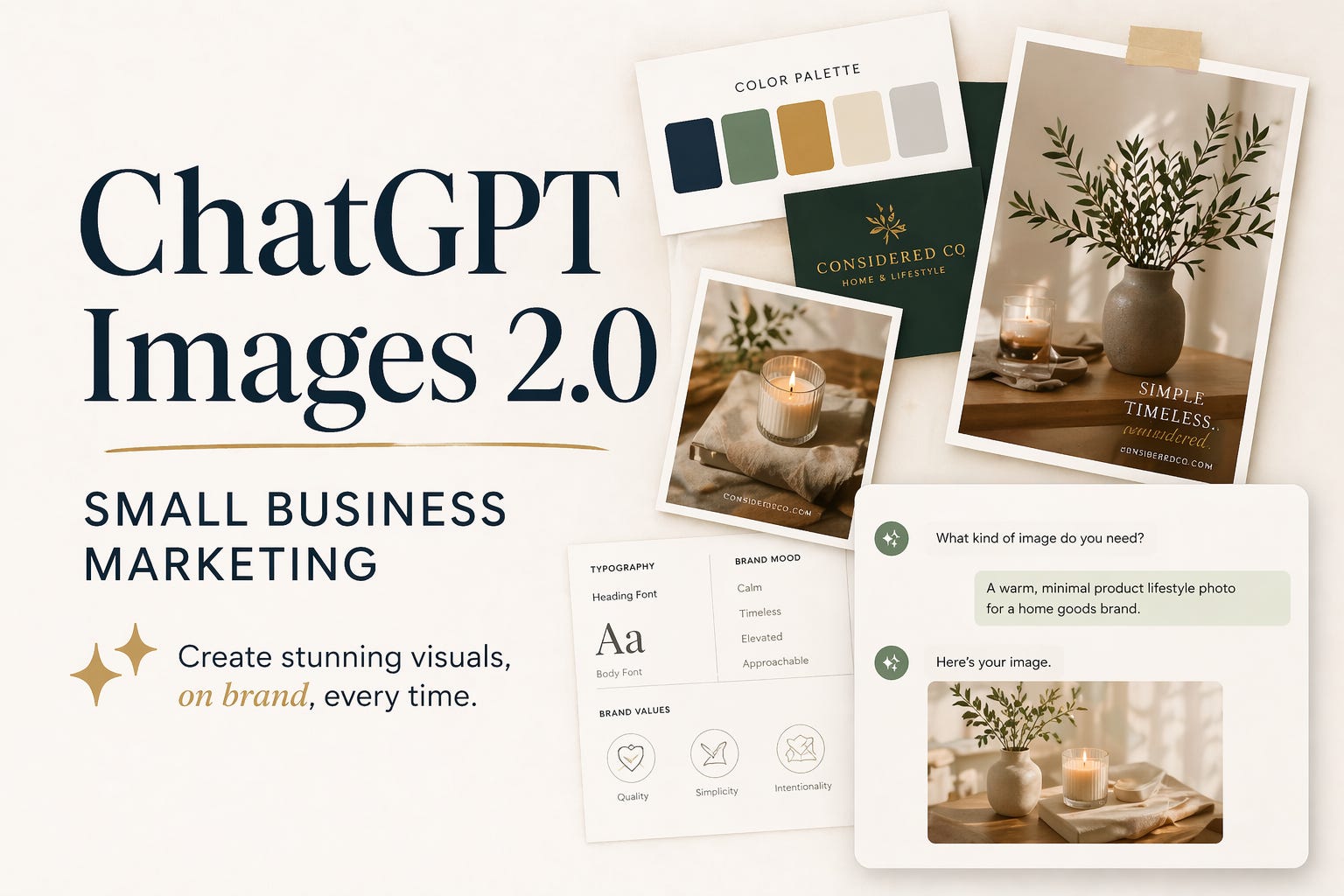
Most of what I write here is about AI tools for people who run businesses — solopreneurs, operators, small teams trying to figure out what’s actually worth using and what’s just noise. That’s the lens I write from, and it’s not theoretical. I run OutSnapped, a photo booth company with services across the USA, and Pictor, the AI-powered software platform we built for photo booth operators internationally. We’ve been running generative AI photo and video outputs at live events since 2023 — and watching the quality improve almost weekly since. We’re also patent pending on AI technology for event photography.
So when ChatGPT dropped Images 2.0 this week, I paid attention.
Not because it’s flashy. Because it finally fixed the one thing that’s been the biggest limiter for real-world business use.
For anyone who’s tried using AI image generation for actual business output — not memes, not art, not fun — the wall you always hit was text.
Ask any model to put a name, a logo, a price, a hashtag, or a menu item in an image and you’d get slop. Garbled letters. Fonts that looked like they were designed by someone who’d only ever heard a description of the alphabet. The images themselves could be stunning. The text looked like a stroke victim.
That’s not a minor bug. For small businesses, text is half the point. You’re making a flyer with your hours. You’re generating a social post with your event name. You’re building a photo booth output where someone’s name appears on their custom print. Without readable text, these tools were toys, not tools.
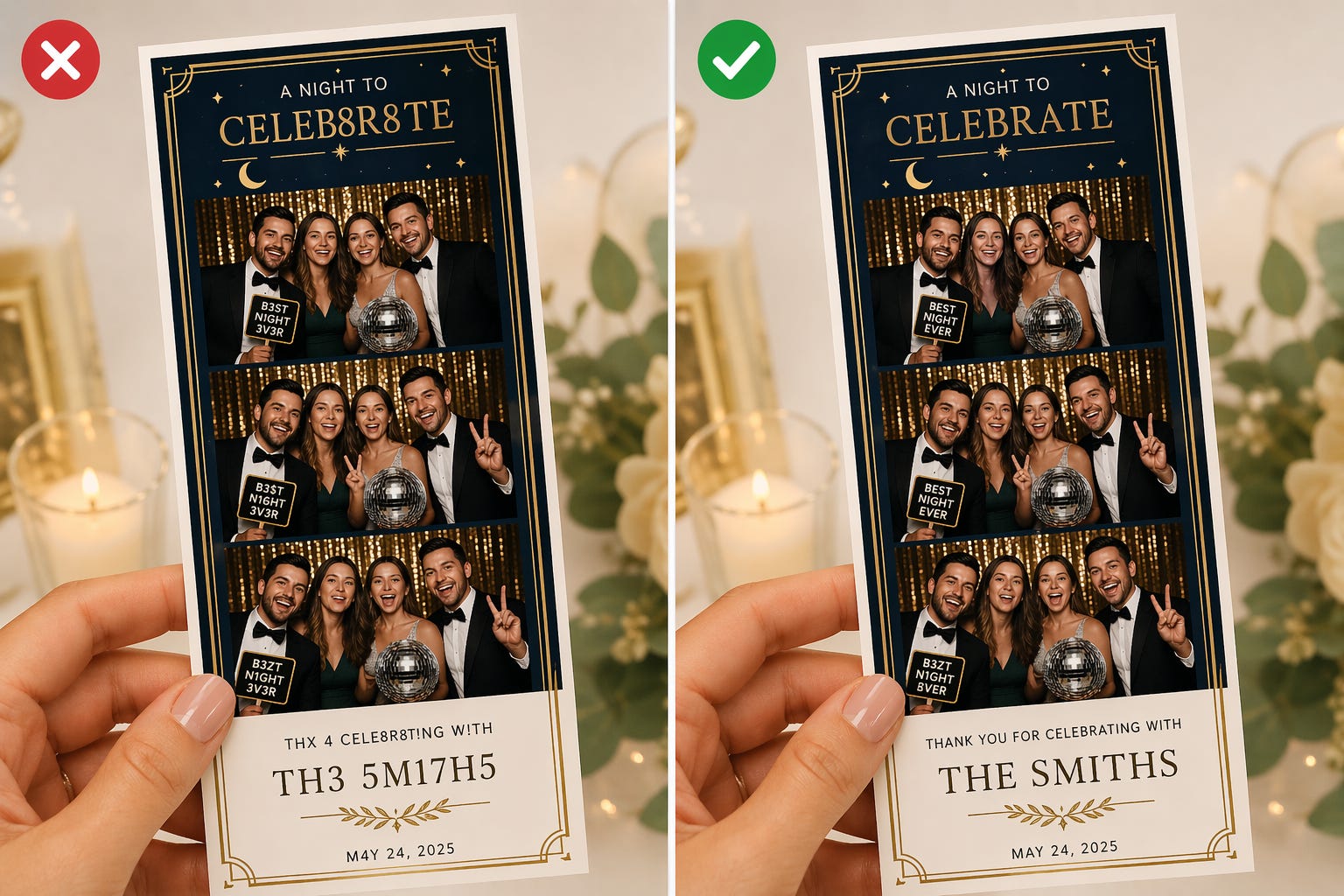
Images 2.0 fixed it — and honestly, the text reliability here is beating what we’ve seen from Google’s enterprise solution so far. That’s not nothing.
OpenAI says the new model can render text accurately in multiple languages — including non-Latin scripts like Japanese, Hindi, and Bengali. It handles dense layouts, small print, UI elements, even multi-panel comic strips. TechCrunch called it “surprisingly good at generating text.” For people who’ve been watching AI images embarrass themselves with the alphabet for years, “surprisingly good” is an understatement.
Here’s the practical implications for anyone running a small business, a service, a side project:
You can now generate marketing materials — actual usable ones — from a text prompt. Menus, flyers, event graphics, social posts, branded photo outputs. No Canva subscription required. No designer needed for one-off stuff. No screwing around with templates that were designed for someone else’s brand.
You can personalize at scale. Ask someone their name and their name can be part of the output. That’s a simple example, but think through what it means: customized customer-facing images, event-specific prints, personalized digital assets — all generated on demand. That wasn’t reliably possible before last week.
You can replace tools you’re currently paying for. Not everything. But some of them.
The catch … and there’s always a catch … is that none of this matters if you don’t know what you’re actually trying to make.
I keep watching people try AI image tools, get back something mediocre, and conclude the technology isn’t ready. The technology is fine. The problem is they sat down to “try AI images” with no clear picture of the output they wanted, or the understanding, that like any tool, prompting takes time and practice.
It’s the Maserati/minivan problem. You can now access remarkable image generation capabilities. But most people want a Maserati with the ease (and price tag) of a minivan. The output quality depends almost entirely on the clarity of your input.
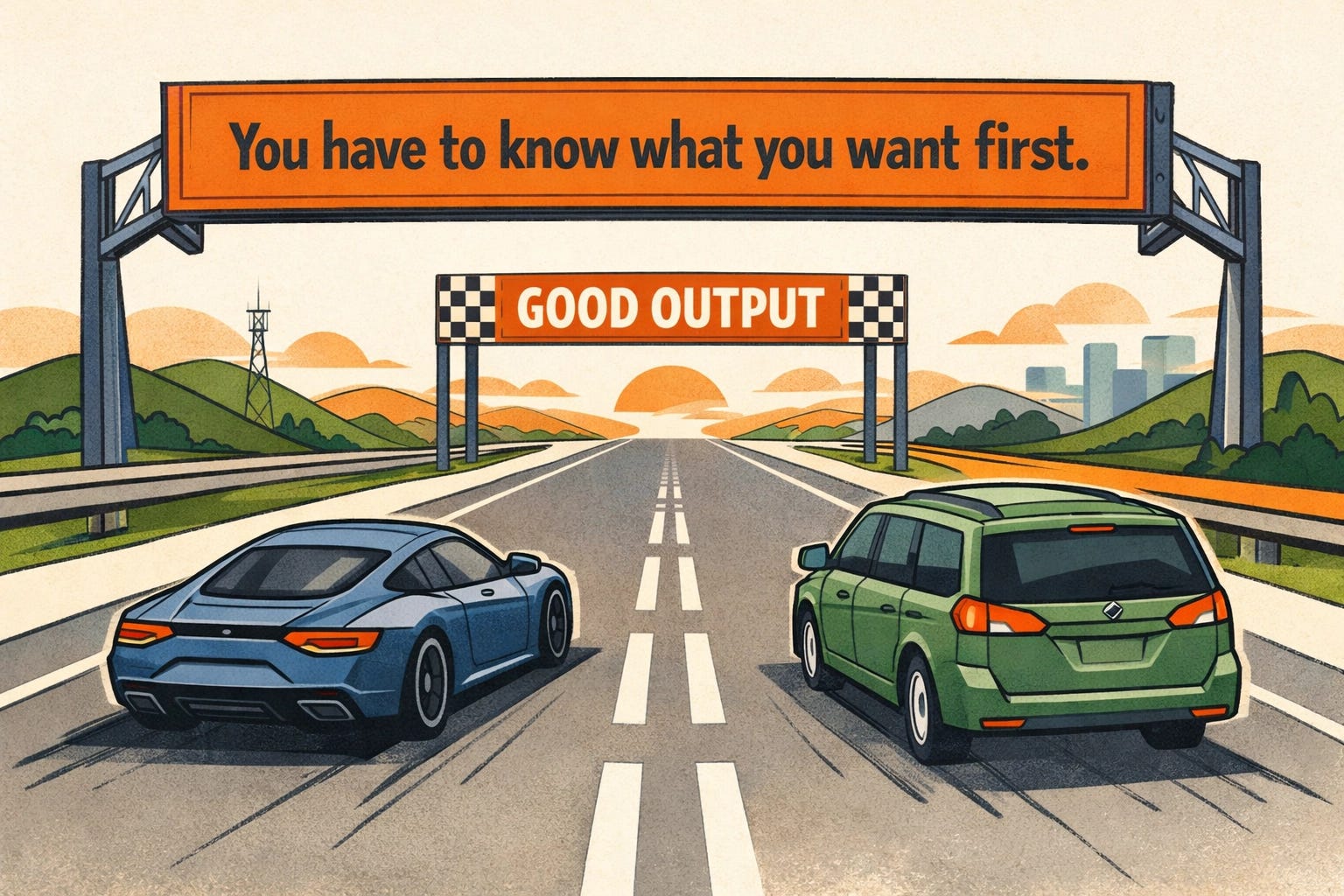
This is where most businesses stall out. Not at the tool. At the brief.
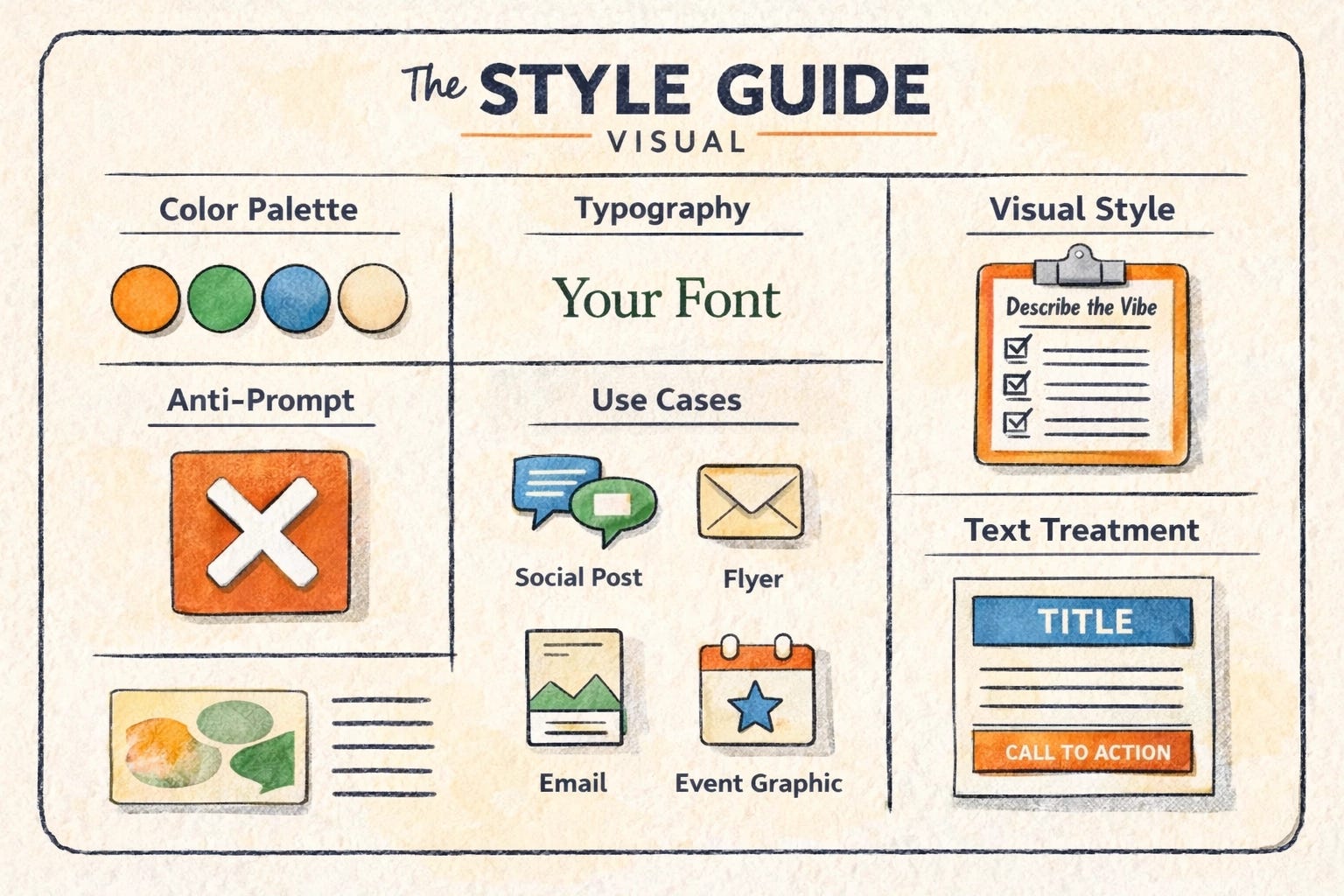
BUILD YOUR AI IMAGE STYLE GUIDE
The businesses that are going to extract real value from Images 2.0 — and from every image model that follows — are the ones who do one thing their competitors won’t bother to do: build a brand style guide for AI prompting.
This isn’t a complicated document. But it’s the single thing that separates people who get consistent, usable outputs from people who waste an hour generating ten mediocre images and give up.
Here’s what goes in it, and exactly how to build yours.
The businesses that will extract real value from Images 2.0 are the ones who do one thing their competitors won’t bother to do: build a brand style guide for AI prompting.
Below I break down exactly what goes in it — and I’ve included a cut-and-paste AI prompt that will interview you and build the whole thing for you in about 10 minutes.
