

Every week, I have the tedious task of download my own stats manually. From a platform with no API, no export button worth trusting, no MCP server coming anytime soon. I click through the same screens, pull the same numbers, paste them into the same spreadsheet. It takes maybe fifteen minutes. It’s the kind of task that feels too small to complain about and too repetitive to not want to delegate.
I’ve tried to automate it. Claude gets it right about 70% of the time. The other 30%, I’m manually cleaning up or just doing it myself anyway.
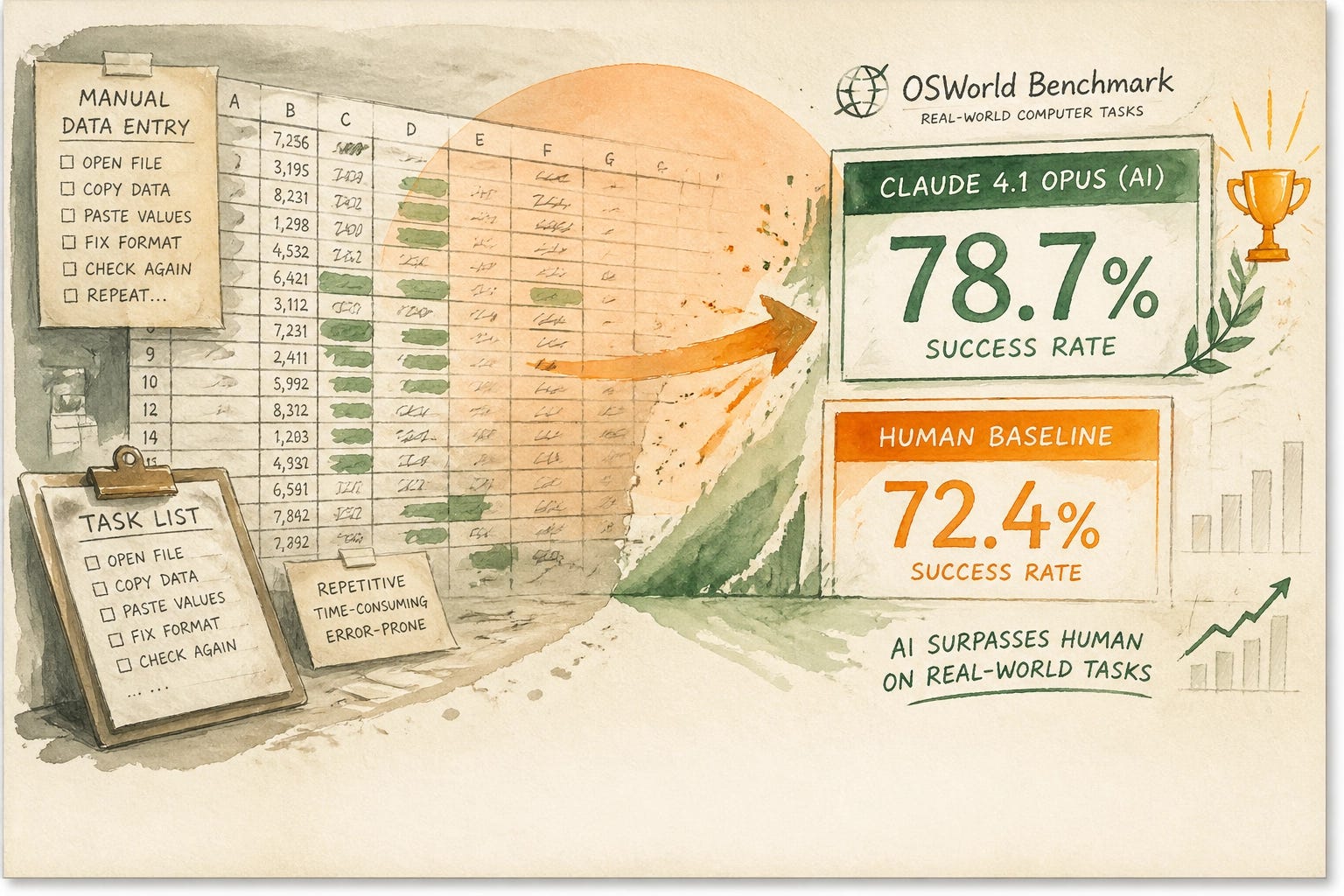
So when OpenAI released GPT-5.5 last week and it scored 78.7% on OSWorld-Verified — a benchmark that tests whether an AI can autonomously navigate a real desktop, using only screenshots and keyboard/mouse actions — I didn’t just read it as a model release. I read it as a direct challenge to my workflow.
For context: the human baseline on that benchmark is 72.4%. GPT-5.5 beat it. That’s not a rounding error.
Here’s what computer use actually means.
The agent takes a screenshot. Looks at the screen. Decides what to click. Clicks it. Takes another screenshot. Decides what to type. Types it. Opens apps, navigates dashboards, fills forms, moves through multi-step workflows — all without you being there. You give it a task, you walk away, you come back to a finished thing.
The reason this is significant isn’t the benchmark number. It’s what the benchmark is measuring.
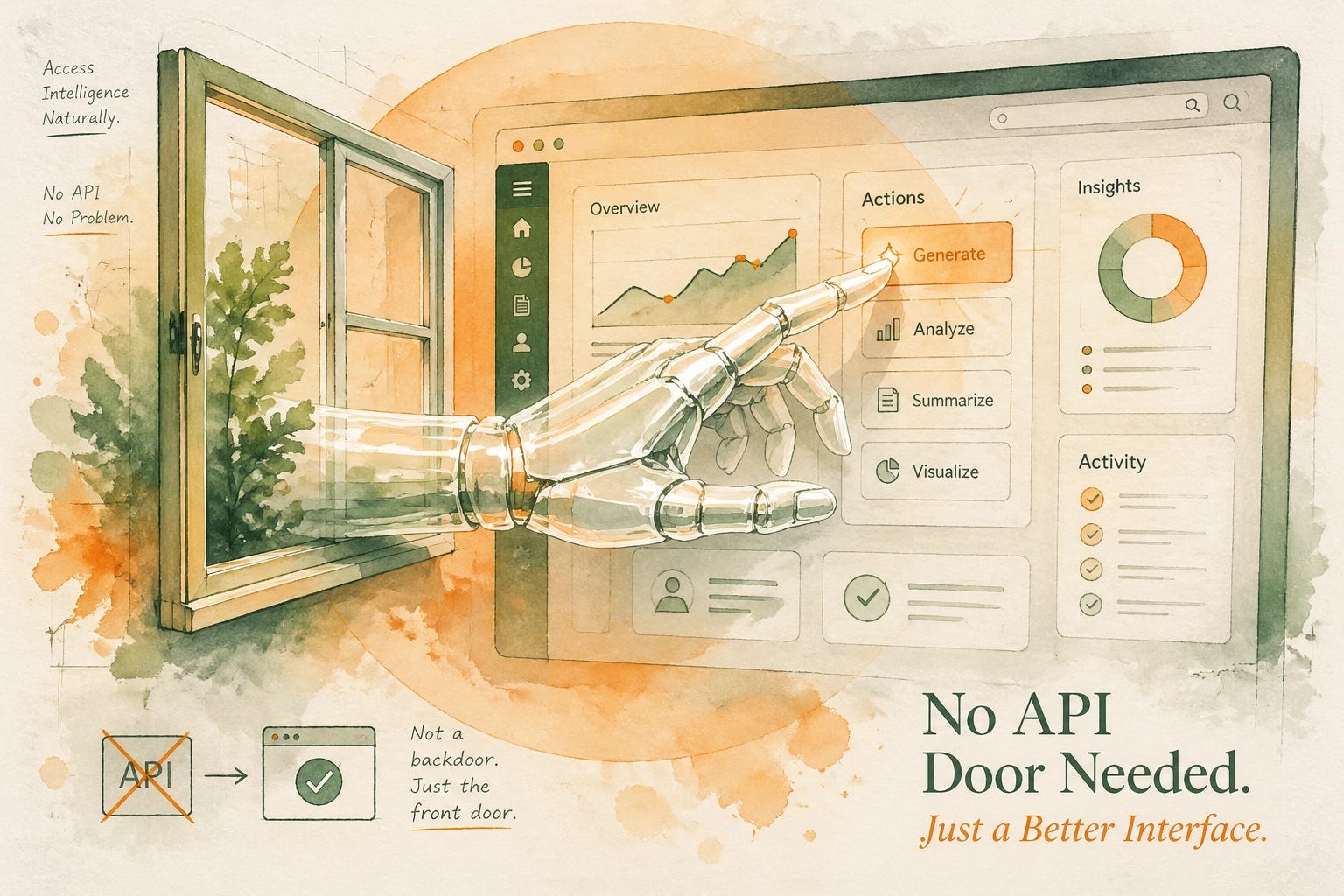
Most AI automation requires someone to have built the door first. An API. An MCP server. A connector. A structured integration. If the software you need to automate hasn’t gotten around to building that door — and most of the software you actually use every day hasn’t, you’re out of luck.
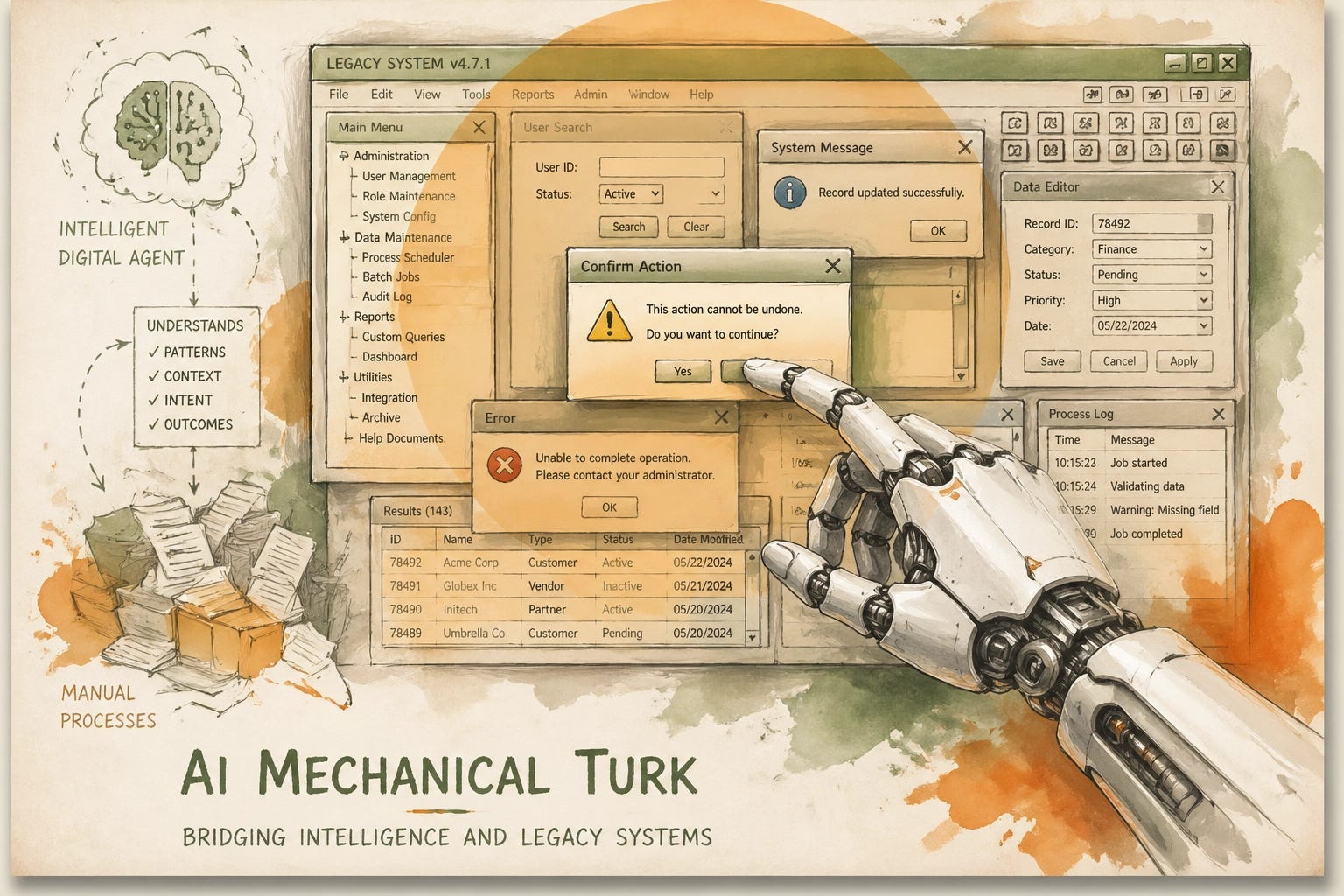
Computer use doesn’t need a door. It comes in through the window. The agent just drives the GUI like a human would. No API required. No vendor cooperation. No waiting for the ecosystem to catch up.
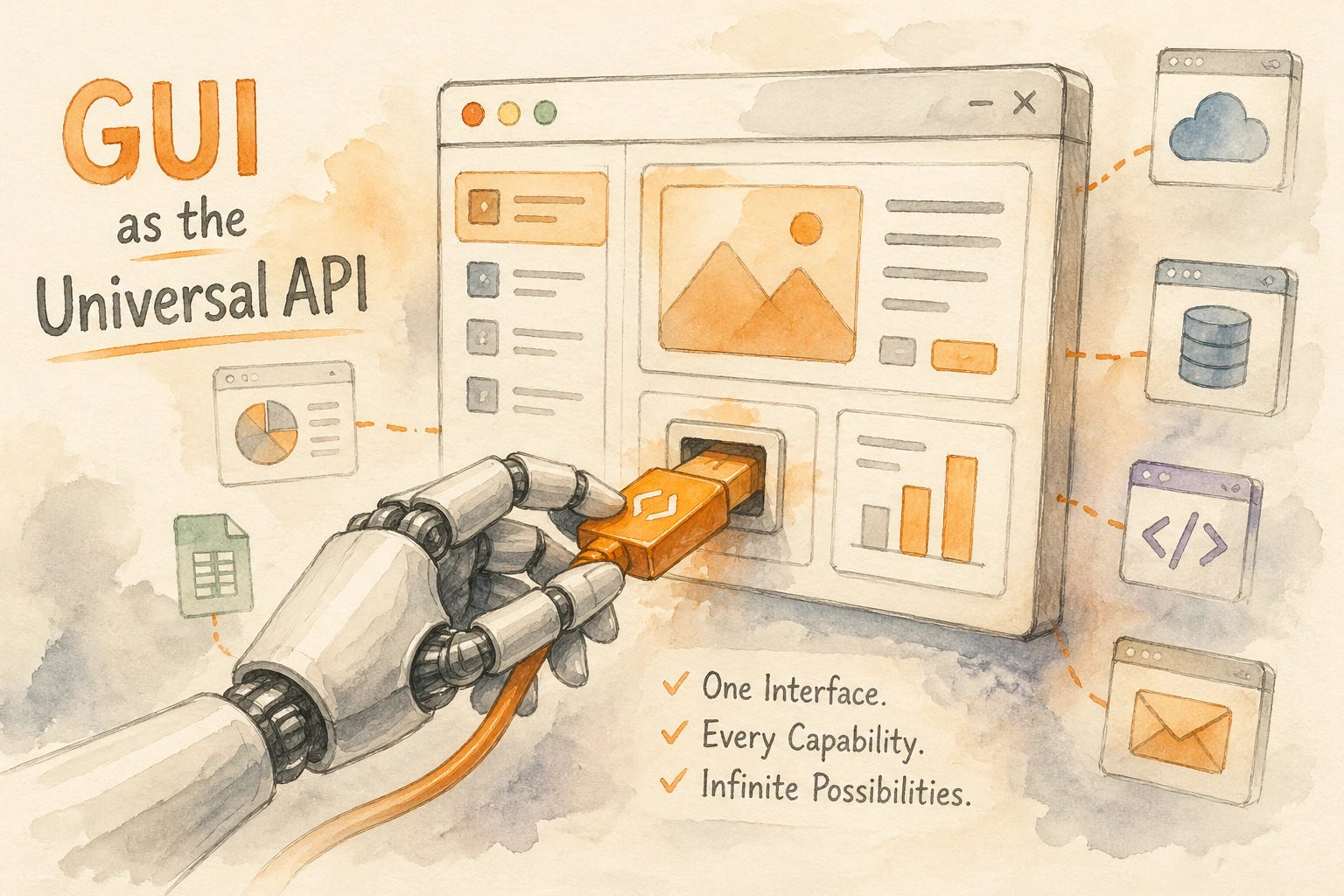
Nate Jones, who writes one of the sharper strategy reads on AI, put it this way: six months ago, any software without an API was “outside the automation conversation entirely.” That just changed. The GUI is now the universal API.
I think he’s mostly right. Though I’d frame it slightly differently for people who actually run businesses instead of analyze them.
The AI mechanical Turk problem.
Here’s what I keep thinking about: an interface built for agents will always be better than an agent pretending to be human.
If your software has an MCP server, a clean API, a structured integration, don’t be a dummy, use it. That’s the right architecture. The agent knows exactly where to look, what to expect, what the data structure is. It’s fast, it’s reliable, it doesn’t fumble when a modal dialog pops up.
Computer use is what you reach for when that doesn’t exist. It’s the AI mechanical Turk — not a slur, actually a feature. When there’s no elegant solution, there’s now a brute-force one.
The question is: how much of your software doesn’t have an elegant solution?
For most solopreneurs and small operators, the answer is: most of it. Your platform analytics. The vendor portal you log into once a month. The legacy tool your industry runs on that will never get a modern API. The internal admin panel someone built in 2019 and nobody maintains. All of it now has a path.
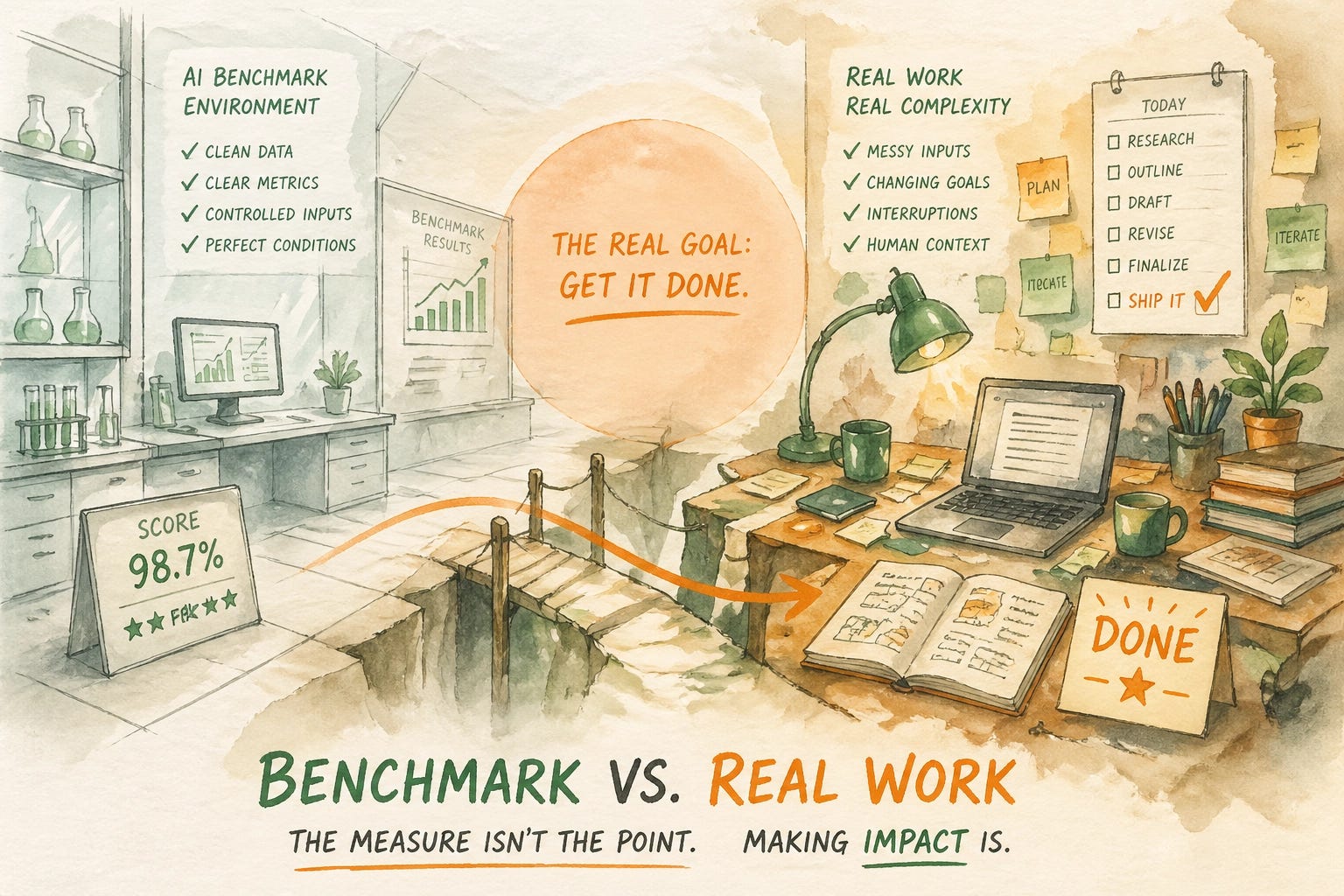
But I want to be honest: I haven’t run Codex on my actual workflows yet. The benchmark is impressive. The real test is whether it finishes the tasks I actually need done — not the ones a lab designed to look good on a scoreboard.
So that’s what I’m going to do.
The Brief covers what happened. If you want to know how to actually use it — the workflows, setups, and prompts — that's what paid posts are for. Join to get the full playbook →
The test I’m running. And the framework you should steal.
I’m going to run the same workflow through both Codex and Claude computer use. Same task. Same software. Honest results. I’ll report back in a follow-up post once I have real data to share.
But while you’re waiting — and whether or not you run these tools yourself — there’s a more useful exercise you should do right now. It’s the one I wish I’d done a year ago.
Map your own automation surface.
Most people who use AI tools daily have never actually inventoried which of their software has structured integration paths and which is GUI-only. They just try to automate things and get frustrated when it fails. Understanding the difference changes how you approach every automation decision.
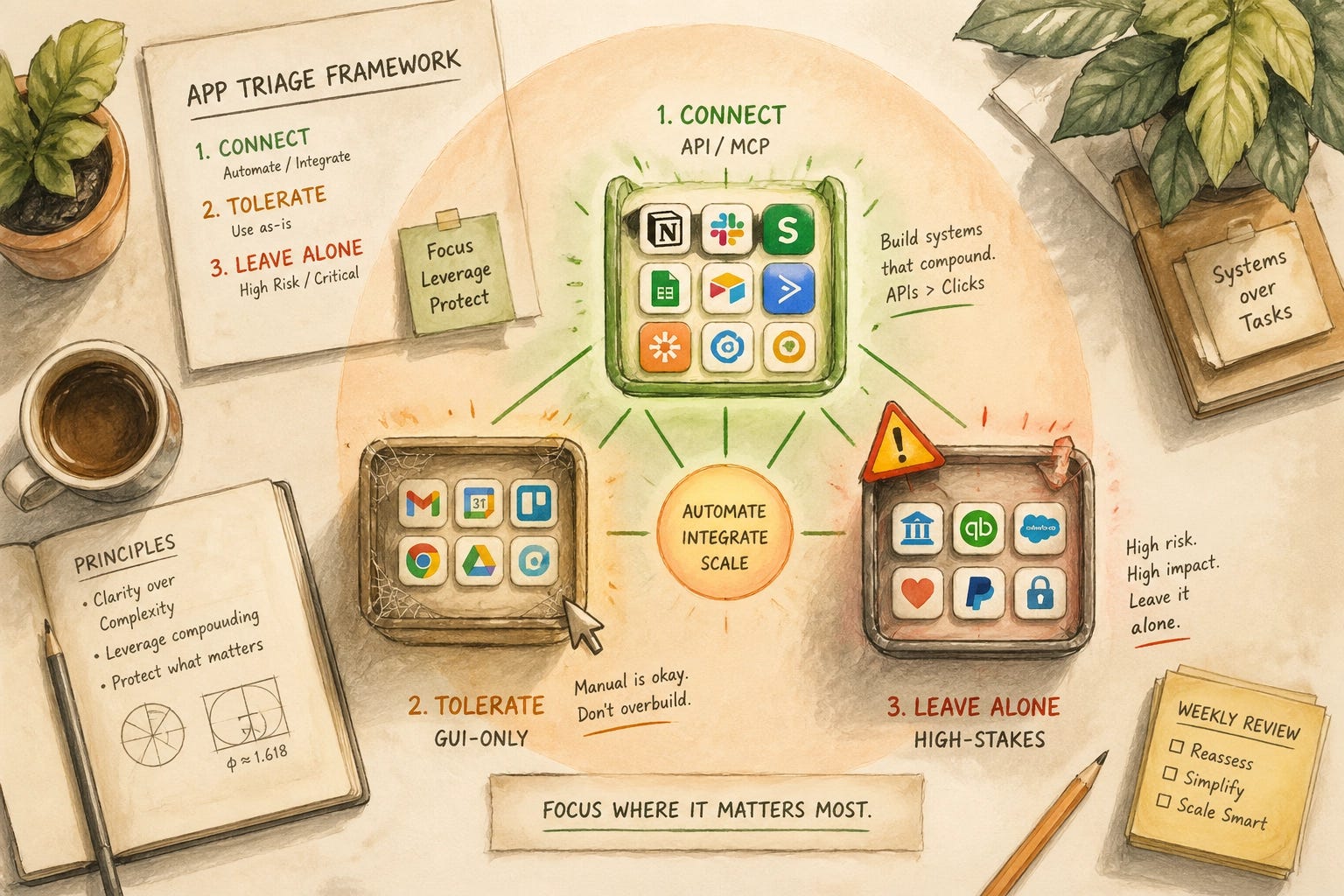
Here’s the framework (adapted from Nate Jones’s Prompt Kit, which is worth buying if you want the full version):
Bucket 1: API-Connected or MCP-Enabled
Software with real integration paths. This is where Claude, Cowork, and structured agents shine. Your agent has a clean interface, knows the data stru cture, doesn’t have to guess where the button is.
Examples for most solopreneurs: Notion, Airtable, most modern SaaS with documented APIs, anything with a growing MCP ecosystem.
What to do: This is your first automation priority. Build here before you build anywhere else.
Bucket 2: GUI-Only
Software with no meaningful API or integration layer. Work happens entirely through the visual interface. This is everything that was “outside the automation conversation” six months ago.
Examples: Legacy analytics dashboards, industry-specific portals, platforms that are consumer-first and have never needed to open their data, anything where “export” means “download a CSV manually.”
What to do: This is where Codex’s computer use — or Claude’s, as it improves — becomes relevant. Run a test. If it completes the task reliably, you’ve just automated something you thought was stuck manual forever.
Bucket 3: Leave It Alone (For Now)
High-stakes workflows where the cost of an AI mistake is too high to accept. Financial approvals. Legal sign-offs. Anything where a silent failure causes a real problem.
What to do: Document these. Revisit in six months. The tools are improving faster than most people realize.
The prompt to audit your own stack
Run this in Claude or ChatGPT. Don’t overthink it:
